
CP2000 Agree & Pay: How to Safely Accept an IRS CP2000 Notice and Handle the Bill
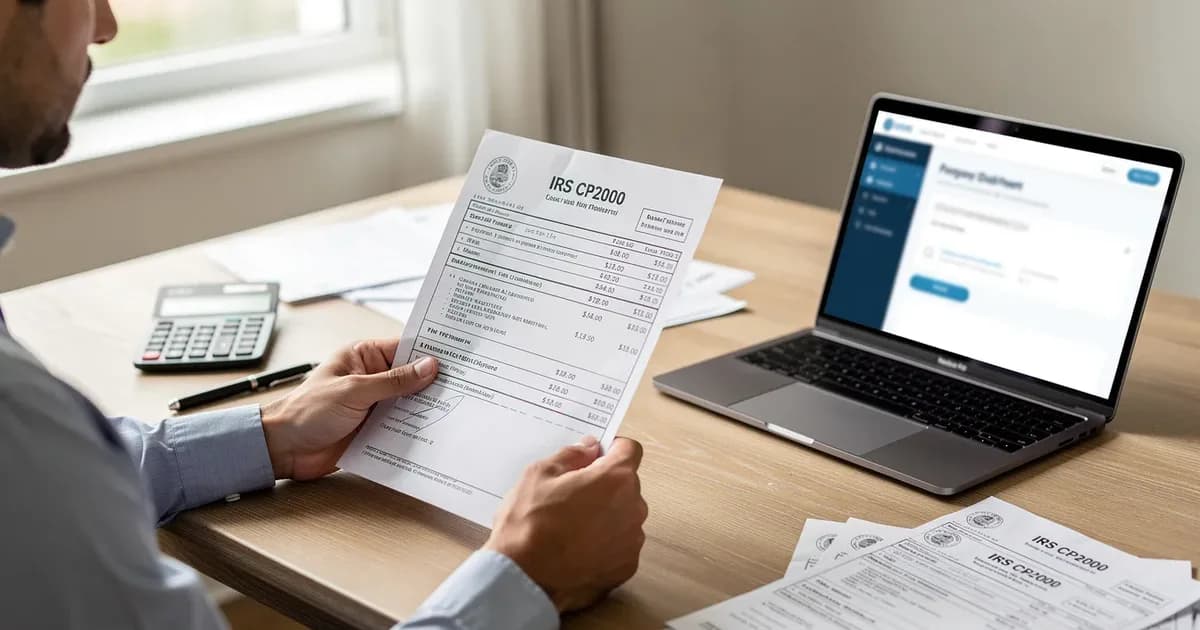
If you opened your mailbox and found an IRS CP2000 notice proposing additional tax, you are not alone. If you agree with the CP2000, sign the response form showing your agreement and pay the proposed amount by the deadline so the IRS can finalize the assessment and you can limit added interest and penalties.
The Internal Revenue Service sends over 6 million CP2000 notices yearly, and most recipients have never seen one before. For U.S. taxpayers handling a CP2000 on their own, this guide explains what the notice is, how to confirm it is real, when agreeing makes sense, how to complete and send the response, how to pay, what penalties or penalty relief may apply, whether you need to amend a return, how long IRS processing usually takes, and how ClearNotice helps decode the notice in plain English. Getting these steps right matters because a CP2000 can be confusing and expensive: reviewing it carefully before you agree and pay helps you avoid overpaying, extra charges, and possible IRS collection problems.
Quick answer: What to do if you agree with your CP2000 notice
This section is for taxpayers who already reviewed their IRS CP2000 notice, confirmed the income discrepancies are real, and now need the fastest path to resolution. Responding to a CP2000 notice typically involves signing the response form and submitting payment. If the proposed tax adjustment matches your records, the process is straightforward.
Follow these steps in order:
Confirm the notice is genuine (check formatting, your social security number, and the tax year).
Verify the math one last time against your own income documents.
Complete the CP2000 notice response form, checking the box that you agree.
Choose how to pay (online, check, or request a payment plan).
Keep proof of everything: copies, postmark receipts, payment confirmations.
A cp2000 notice is not a final bill or audit. It is a proposed adjustment. But once you sign "I agree" and the IRS processes it, the proposed additional tax becomes assessed and collectible. Paying before the response deadline on the notice reduces additional interest and strengthens any later penalty relief request.
ClearNotice can decode your specific irs cp2000 notice, translate it into plain English, highlight your deadline, and generate a step-by-step action list tailored to your situation.
What an IRS CP2000 notice is (and what it isn't)
A CP2000 is a computer-generated notice the IRS sends when third-party income documents do not match the income reported on your tax return for a specific tax year. The IRS's automated underreporter program compares data from Forms W-2, 1099-NEC, 1099-MISC, 1099-INT, 1099-B, 1099-K, and 1099-R against what you filed. Financial institutions, employers, brokers, and other third parties report amounts reported to the IRS under your taxpayer identification number. When a mismatch appears, the IRS issues a CP2000.
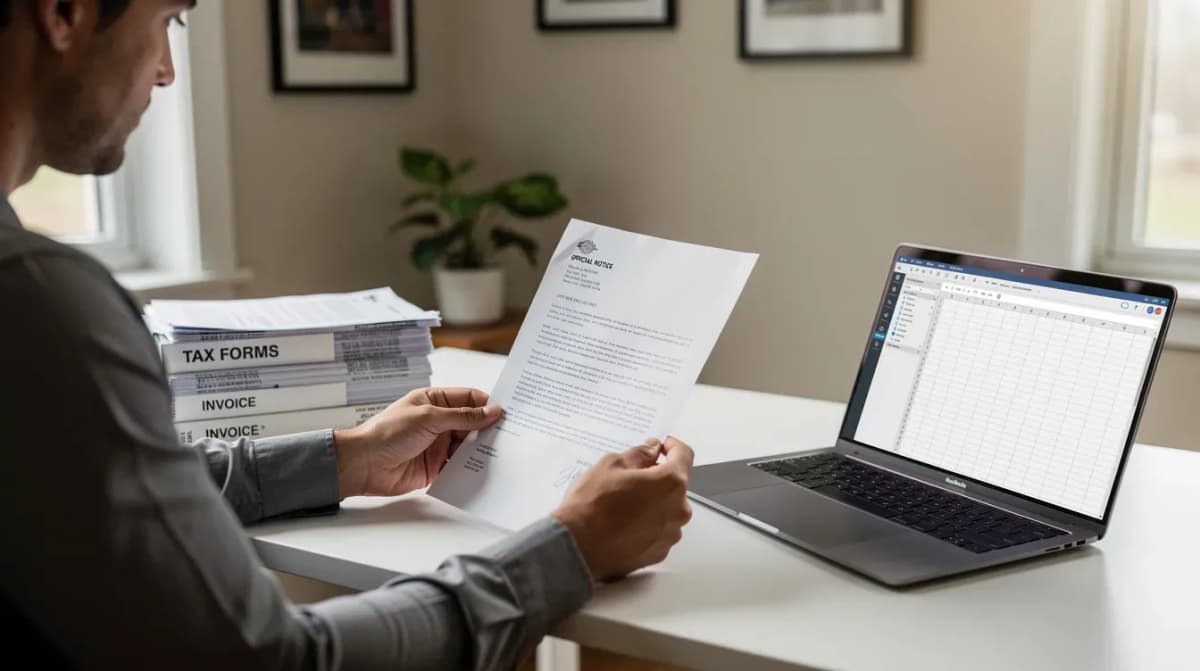
A CP2000 is triggered by income discrepancies reported by third parties. The IRS runs its matching program annually after tax season, which means a CP2000 notice can arrive 6 to 12 months after filing. A 2026 CP2000, for instance, typically relates to your 2024 filed tax return.
Three things a CP2000 is not:
It is not an irs audit. The IRS is not examining your entire return; it is flagging specific items.
It is not yet a tax bill. It proposes changes; no assessment exists until you respond.
It is not necessarily correct. Many notices propose more tax than what a careful review shows you actually owe, because the IRS assumes gross income without accounting for basis, expenses, or withholding.
The typical layout includes a first page showing the tax year, notice date, and response deadline (usually 30 days). Below that is a comparison table showing what you reported versus what payers reported to the IRS, followed by a calculation of proposed additional tax owed and estimated interest. The CP2000 process allows taxpayers to resolve tax discrepancies without a formal audit.
How to confirm your CP2000 notice is real and understand the basics
IRS-related scams are common. Fraudulent letters, emails, and phone calls imitate IRS notices to trick taxpayers into sending money. Before you pay anything, confirm the notice is real.
Authenticity checklist:
The notice number "CP2000" appears on the top right of the document.
Your full name, last four digits of your SSN or ITIN, and the correct tax year (e.g., "Tax year: 2024") are printed on the notice.
The IRS logo and standard government formatting are present. There are no threats like "Wire payment now" or links to non-IRS domains.
The amounts reported and tax year can be cross-checked using your online IRS account at IRS.gov.
Never call phone numbers or visit URLs printed in the body of a letter without first verifying them at IRS.gov. Real CP2000 notices arrive by U.S. mail and direct you to IRS.gov/cp2000 or standard IRS payment pages.
ClearNotice's decoder confirms the notice type, pulls out key fields (tax year, notice date, deadline, proposed tax, interest, and proposed penalties), and summarizes what the irs believes was underreported income.
Store a digital copy of the CP2000 and any envelopes showing postmark dates. These serve as proof if a timeline dispute arises later.
Step 1: Decide whether you truly agree with the CP2000 changes
"Agree and pay" should follow a careful review of what the IRS is proposing. Taxpayers can verify proposed changes in the CP2000 notice to ensure accuracy before agreeing. Accepting blindly because a notice looks official can mean paying more than you owe.
A simple review process:
Pull your original income tax return for that year (Form 1040 and any Schedules C, D, E, SE).
Gather all relevant income documents: W-2s, 1099 forms, brokerage statements, crypto reports.
Compare the CP2000 "IRS records" column to your actual documents. Check each payer name, dollar amount, and reported income figure.
Common situations where people genuinely agree:
A missing 1099-NEC from a freelance client. Missing 1099 forms often trigger a CP2000 notice.
Unreported income from bank interest on a 1099-INT.
Underreported stock sale proceeds from a 1099-B. Brokerage mismatches can lead to a CP2000 notice, especially when cost basis is not reported to the IRS.
A forgotten retirement distribution on a 1099-R.
Sometimes you might agree that other income was missed but see that the IRS calculation does not account for related expenses or cost basis. This partial agreement scenario may require an amended tax return (Form 1040-X) rather than checking "agree" on the same response form. If you disagree with parts of the notice, attach supporting documents to your response and include a written explanation detailing why.
ClearNotice can produce a structured summary of the discrepancies and prompt you with "Do you agree, disagree, or partially agree?" along with plain-language reasoning for each.
Step 2: How to correctly complete the CP2000 response form when you agree
The CP2000 response form is typically attached as the last pages of the notice. The IRS uses it to determine whether you accept, reject, or partially accept the proposed tax adjustment.
How an "agree" response works:
Locate the section that lets you indicate you agree with all proposed changes.
Check the appropriate box. The form language usually reads something like "I agree with the proposed changes shown in this notice."
Fill in your current phone number and best time to call if requested.
Confirm that names and Social Security Numbers match exactly how they appear on the CP2000.
Response forms included with CP2000 notices must be signed and returned by a specified deadline. You have 30 days to respond to a CP2000 notice (60 days if you are outside the United States). If you filed married filing jointly, both spouses must sign and date the notice response form. A missing signature delays processing and results in more interest accruing while the IRS waits.
The tax form also asks whether you will pay in full now, wait for a bill, or request an installment agreement. Even if you choose a payment plan, the signed response must still go back to the IRS.
Before sending, make a full copy (or clear photos) of the signed response form. Keep these copies with the original CP2000 in your tax records. If the IRS later claims it never received your reply, these copies are your defense.
Step 3: Where and how to send your agreement to the IRS
The CP2000 notice lists up to three reply methods: the irs document upload tool, fax, or mail. The correct address or fax number is printed on the first page.
IRS Document Upload Tool: Some CP2000 notices include a URL and an alphanumeric access code. You upload PDF, JPG, or PNG files of your signed response (and any supporting documentation). Save or print the on-screen confirmation as proof. This method is faster than mail and easier to verify.
Fax: If a fax number is printed on the notice, you can fax your response. Include a cover sheet listing your name, last four digits of your SSN, the tax year, and CP2000 notice number. Print the fax confirmation report and save it. An online fax service works if you do not have a physical machine.
Mail: Send your response to the exact IRS address on the notice, not a generic irs office address. Use certified mail with return receipt requested so you have proof of mailing and delivery date. Never send original income documents; only send copies.
You can request a 30-day extension to respond to a CP2000 if you need more time to gather documents or consult an experienced tax professionals firm. Call the number on the notice before the original deadline expires.
ClearNotice can generate a short cover letter summarizing that you agree with the CP2000 and are enclosing the signed response form and payment details.
Step 4: Paying the additional tax owed under a CP2000 agreement

Once you agree with the irs cp2000 notice, if you owe additional tax, the main question is how and when to pay it so that additional interest and possible penalties are contained. Pay any owed tax promptly to minimize interest.
Common payment methods:
IRS Direct Pay: Free, from a bank account, can be scheduled for a specific date. Available at IRS.gov/DirectPay.
EFTPS: For taxpayers already enrolled in the Electronic Federal Tax Payment System.
Debit or credit card: Via IRS-approved processors; convenience fees apply (typically 1.85% or more for credit cards).
Check or money order: Mailed with the response form or a payment voucher if provided.
When you pay online, designate the payment for the correct tax year and form (e.g., "2024 Form 1040"). For checks, write your social security number, the tax year, and "CP2000" in the memo line so the IRS applies it correctly.
Paying by the response deadline reduces additional interest that would otherwise accrue until the tax is assessed and fully paid. Interest accrues on unpaid tax from the original due date (usually April 15 of the year following the income year). You can pay even before the IRS updates your online balance; the payment will be matched to the assessment once it posts.
If taxpayers cannot pay the full amount due from a CP2000 notice, they can request a payment plan. The response form itself often includes a checkbox for an installment agreement, or you can file Form 9465 separately.
Print or download receipts from all tax payments and store them with your CP2000 file. ClearNotice can remind you of your irs deadline so you do not miss timely payment.
What if your IRS account still shows $0 after you agree and pay?
Imagine this: you received a CP2000 notice in May 2026 for the 2024 tax year, agreed in June, paid $1,800 via IRS Direct Pay, but your online IRS account still shows a $0 balance six weeks later. This is normal.
Why it happens:
CP2000 agreements must be manually processed through the Automated Underreporter unit, not through the standard return-processing pipeline.
IRS processing takes 4 to 12 weeks or longer during backlogs or peak filing season.
The proposed tax assessment may not yet appear on your account transcript, so the system still shows $0.
Paying early is safe. The IRS will match your payment to the assessment once it posts. Your effective payment date still limits interest accrual even if the formal posting is delayed.
To confirm your payment landed:
Check "View payments" in your IRS online account for the relevant tax year.
Request an Account Transcript (also called income transcripts for income-related data) and verify that a payment with the right amount and date appears.
Call the phone number on the CP2000 if several months pass with no update. Have your notice, response copy, and payment receipt ready.
ClearNotice tracks these timelines and can prompt you: "It has been 10 weeks; here is how to follow up with the IRS and what to say."
How interest and accuracy-related penalties work when you agree and pay
Agreeing with a CP2000 notice often means accepting not just additional tax but also interest and possibly a 20% accuracy related penalty on the underpayment. Understanding each component helps you know exactly what you are paying for.
Interest: It accrues daily from the original return due date (usually April 15 of the tax year following the income year) until the additional tax is paid. The rate is set under IRC § 6601: the federal short-term rate plus 3 percentage points, adjusted quarterly. Paying sooner after receiving the CP2000 reduces additional interest going forward, but does not erase interest that already accumulated between the original due date and your payment.
Accuracy-related penalty: Penalties can reach 20% for non-willful underreporting under IRC § 6662, applied when there is a substantial understatement or negligence. The penalty is often automatically proposed with the CP2000 when the discrepancy is large enough. Willful concealment can incur a 75% fraud penalty, though this applies in far fewer cases. Agreeing to the additional tax does not require you to automatically accept the penalty; you can still request abatement.
Here is a concrete example. A taxpayer underpaid $2,000 of 2024 tax because they omitted 1099-NEC income from a freelance client. The CP2000 arrives in mid-2026 showing $2,000 proposed tax, a $400 accuracy-related penalty (20% of $2,000), and roughly $210 in interest (calculated from April 15, 2025 through mid-2026 at approximately 8% annual rate). If they pay within the 30-day window, interest stops growing and the total cost is contained near $2,610.
ClearNotice highlights the interest and penalty lines in your CP2000 and explains each in simple terms, so you know the breakdown of every dollar.
Requesting penalty relief even when you agree with the additional tax
You can contest penalties in your CP2000 response even while accepting the proposed additional tax. The 20% accuracy-related penalty and failure-to-pay penalty are both eligible for abatement when the error was non-willful and you can show reasonable cause.
Common grounds for reasonable cause:
Relying on incorrect information from a payer (for example, an employer issued a corrected W-2 after you filed).
Serious illness, natural disasters, or other circumstances that interfered with accurate filing.
First-time error with a clean compliance history, qualifying for "first-time penalty abatement."
Practical steps:
Include a signed statement explaining the circumstances with your CP2000 response. A written explanation should detail why the error occurred and what steps you have taken to prevent recurrence.
If the penalty has already been assessed, file Form 843 (Claim for Refund and Request for Abatement) with copies of the CP2000 notice and supporting documentation. Use IRS Form 843 to request penalty forgiveness after assessment.
Request a penalty abatement if you have reasonable cause; the IRS reviews each request individually.
Requesting penalty relief does not stop the IRS from assessing the proposed tax itself. Interest generally cannot be removed unless the IRS caused an unreasonable delay in processing your case.
ClearNotice flags when an accuracy-related penalty is present on your CP2000, outlines whether you may qualify for first-time penalty relief based on IRS guidelines, and helps draft a respectful penalty abatement request in plain English. For complex penalty situations involving foreign assets or large understatements, consulting a licensed tax professional is the safer path.
Should you file an amended tax return if you agree with the CP2000?
Taxpayers generally do not need to file an amended return if they fully agree with a CP2000 notice. But sometimes a 1040-X is the right move, particularly if the CP2000 changes affect deductions, credits, or other items beyond the income itself.
When you usually do NOT need an amended return:
The CP2000 adds omitted income (like a missing 1099-INT) and the irs proposed the correct additional tax.
No other entries on your return are affected by that income. Your agreement on the notice response form is sufficient.
When you probably SHOULD file:
The newly acknowledged income allows related deductions or expenses. For example, 1099-NEC income from freelance work also carried business expenses you never reported.
The IRS taxed full stock sale proceeds instead of the net gain because your broker did not report cost basis, or the irs assumes gross capital gains without reduction for basis.
Corrections are needed for other lines the CP2000 does not address, such as credits or filing status errors discovered during your review.
Best practices for an amended return:
Write "CP2000" at the top of Form 1040X.
Send the amended return to the address listed in the CP2000 instructions or as directed in later correspondence.
Keep separate copies. Amended returns can take 8 to 12 weeks or longer to process, and during tax season the wait often stretches further.
ClearNotice walks you through simple questions about expenses, basis, and credits that may have been missed, helping you decide whether your CP2000 situation calls for an amended return or a simple agreement.
What happens after you agree and pay: IRS processing timeline
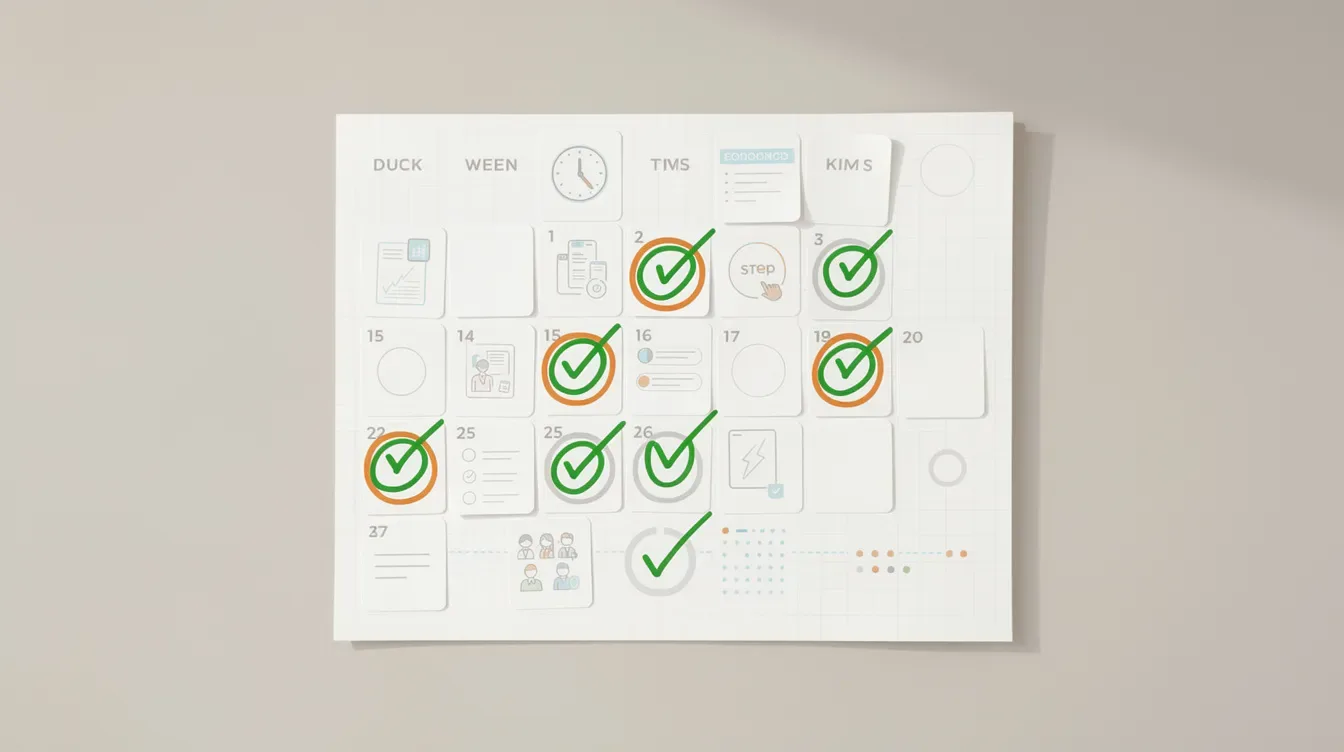
After agreeing to the CP2000 notice, the IRS will process changes and send a confirmation letter. Here is what the typical lifecycle looks like.
Approximate timeline:
0 to 4 weeks: Your response arrives and is logged by the Automated Underreporter (AUR) unit. An irs agent or tax examiner reviews the incoming agreement.
4 to 12 weeks: The IRS posts the additional tax to your account and applies any payment you already made. Income figures are reconciled against your filed tax return.
8 to 16+ weeks: The assessment and your payment should appear in your online account and on your Account Transcript. Delays increase during seasonal backlogs.
If you agreed but did not pay, the IRS will send a follow-up tax bill showing the assessed additional tax, interest, and penalties. From there, irs collections processes can follow: CP14 (initial bill), CP501, CP503, and eventually CP504 or CP90 if there is still an unpaid balance. Ignoring a CP2000 leads to automatic tax adjustments, and eventually the IRS issues a CP3219A (statutory notice of deficiency) if you never respond.
Check your IRS online account periodically to confirm:
The additional tax matches what you agreed to.
Your tax payments appear with the right date and amount.
No unexpected extra penalties were added.
ClearNotice tracks these stages, sends reminders, and interprets any follow-up irs notice so you know whether further action is needed.
What if the IRS rejects or misapplies your "agree & pay" CP2000 response?
Even when a taxpayer clearly agrees and pays, the IRS can sometimes misapply the payment, overlook the response, or send a later notice that ignores what was submitted. If the irs rejects or loses your documentation, knowing the next steps prevents unnecessary panic.
Common issues:
The IRS sends a new CP2000 or a Notice of Deficiency (CP3219A) even though you responded on time. The irs received your package, but it was not logged correctly.
The payment is applied to the wrong tax year because the memo line or payment designation was unclear.
The IRS accepts the additional tax but rejects your penalty relief request without explanation.
Next steps:
Call the phone number on the latest irs notice. Have copies of your CP2000, response form, proof of mailing or upload, and payment receipts ready for reference.
Ask the IRS AUR unit to review the case again. Provide specific dates: when you mailed, faxed, or uploaded your response, and when payment was submitted.
If they treated the case as if you never responded, submit a written follow-up with copies of your proof.
When escalation is needed:
If a statutory notice of deficiency (CP3219A) is issued despite a timely response, consult a tax professional promptly. You have a strict 90-day deadline to petition the united states tax court (also referred to as us tax court or simply tax court) from the date of that notice. Missing this deadline forfeits your right to challenge the proposed assessment before paying.
The Taxpayer Advocate Service can assist when processing errors cause significant hardship, such as liens or levies based on an amount you already paid.
ClearNotice helps users recognize when a new irs notice is inconsistent with their prior agreement and outlines a follow-up plan tailored to the specific notice type.
Pros and cons of simply agreeing and paying your CP2000 notice
In many cases, quickly agreeing and paying is the most efficient path to tax resolution. In other cases, it can mean overpaying or missing deductions you are entitled to.
Advantages:
Fastest path to resolution when the CP2000 is clearly correct and the proposed amount is small. It stops or limits additional interest by addressing the issue before it compounds. You avoid escalation into formal deficiency procedures or irs collections. And it removes the mental burden of an open IRS case; no protracted dispute, no appeals.
Disadvantages:
You risk paying more tax than legally owed if you skip analyzing cost basis, expenses, or credits the IRS did not include. For example, if the IRS taxes $15,000 in gross stock sale proceeds but your actual gain was $3,000 after basis, you could overpay by thousands. You might also accept proposed penalties you could have reduced or removed entirely through a first-time abatement request. Ignoring a CP2000 notice can lead to automatic tax adjustments, but so can blindly accepting an incorrect one.
Do a brief double-check using your own documents or a tool like ClearNotice before deciding. The goal is not to fight the IRS reflexively. It is to pay the correct amount of additional tax; no more and no less; while avoiding unnecessary penalties and interest.
How ClearNotice helps you read, confirm, and act on a CP2000 agreement
ClearNotice is a plain-English IRS notice decoder built for U.S. taxpayers who receive confusing correspondence from the Internal Revenue Service and are not sure whether to agree, disagree, or seek help from experienced tax professionals. It is not a CPA, EA, or tax attorney. It is the first step before deciding whether you need one.
Concrete features:
Upload a photo or PDF of your IRS CP2000 notice.
Automatic identification of notice type, tax year, key dollar amounts (proposed tax, interest, penalties), and response deadline.
A human-readable summary explaining what the irs sends the notice for: missing 1099 income, investment sales, retirement distributions, or other income the irs believes was underreported.
For "agree and pay" decisions specifically, ClearNotice provides:
A guided questionnaire that walks through whether the notice looks correct based on your W-2s, 1099s, bank statements, and brokerage reports.
A customized checklist covering the response form, sending method, and payment steps.
Reminders for the 30-day response window and any later billing deadlines.
ClearNotice helps you understand when a simple "agree and pay" is likely enough versus when your situation is complex enough to justify hiring a tax professional for representation. For cases involving irs wage and income transcripts that do not match, or large proposed tax amounts touching capital gains, self-employment, or other income categories, professional advice is often worth the cost.
The goal: make IRS notices less intimidating, more understandable, and easier to resolve correctly.
Frequently asked questions about agreeing and paying a CP2000 notice
If I agree with the CP2000, do I have to pay immediately, or can I wait for the next IRS notice? You can pay now or wait for the IRS to send a formal bill after processing your agreement. Waiting means interest accrues from the response deadline until payment date. Paying before the deadline stops that clock. Respond within 30 days to avoid penalties.
Can I request a payment plan when I send back the CP2000 agree form? Yes. The response form includes a section for requesting an installment agreement, or you can file Form 9465 separately. If approved, a user fee applies. The signed response must still go back by the irs deadline regardless of payment method.
Will agreeing with the CP2000 hurt my chances of getting penalties reduced later? No. You can accept the tax liability while separately requesting penalty abatement on reasonable cause or first-time abatement grounds. Include supporting documents and a written explanation with your response for the strongest case.
Do I still need to respond if I already paid the amount the CP2000 shows? Yes. Payment alone does not substitute for the signed response form. The IRS needs the signed agreement to formally adjust your return and stop further notices.
How long does it take before my IRS account shows the additional tax after I agree? Typically 4 to 12 weeks, sometimes longer during high-volume periods. Your payment will be matched to the assessment once it posts.
Can ClearNotice tell me exactly what to write back to the IRS? ClearNotice provides structured guidance, plain-English templates, and a checklist for what to include. You remain responsible for signing and submitting your own response. For situations requiring legal advice or representation before tax court, consult a licensed tax professional.
Upload your CP2000 to ClearNotice if you still feel uncertain after reading this guide.
Final check: A simple pre-payment checklist before you send money to the IRS
Before you hit "pay online" or drop a check in the mail, run through this list one final time.
I confirmed the notice is a genuine IRS CP2000 for the correct tax year and SSN/ITIN.
I compared the IRS income data to my W-2s, 1099s, and other income documents line by line.
I verified the income figures and amounts reported by each payer match my own records.
I am comfortable that the proposed additional tax is correct, or close enough that a dispute is not worth the time and cost.
I completed, signed (both spouses if married filing jointly), and copied the CP2000 response form indicating that I agree.
I chose a payment method, clearly labeled my payment with the correct tax year and "CP2000," and saved proof of payment.
I know when to expect the IRS to update my account (4 to 12 weeks) and what follow-up notices might look like.
I stored copies of everything: the notice, my response, mailing or upload confirmation, and payment receipt.
You checked your numbers. You understand what you are paying and why. You know what happens next.
For any future irs cp2000 notice, amended return question, or other IRS correspondence that arrives unexpectedly, ClearNotice is built to decode it in minutes. Getting clear answers early; before the deadline passes; avoids turning a manageable tax bill into a collection case.
Keep reading
 CP2000 & income mismatch
CP2000 How Long Response: 30-Day Deadline & IRS Timeline
Most taxpayers have just 30 days from the CP2000 notice date to respond, but the full timeline includes waiting periods, IRS review windows, and escalation points that can catch you off guard. This guide covers every stage in plain English.
 CP2000 & income mismatch
CP2000 Accuracy Penalty: What It Is and Next Steps
A CP2000 notice can include a 20% accuracy-related penalty on top of proposed extra tax. This guide explains what triggers it, how the IRS calculates it, and what your response options are.
 CP2000 & income mismatch
CP2000 Response Time: What to Expect From IRS | ClearNotice
Sent your CP2000 response and still waiting? Most taxpayers hear back within 30 to 90 days. Here is exactly what happens after you respond and when to follow up.