
How to Disagree with a CP2000 Step by Step Response: Guide for 2026
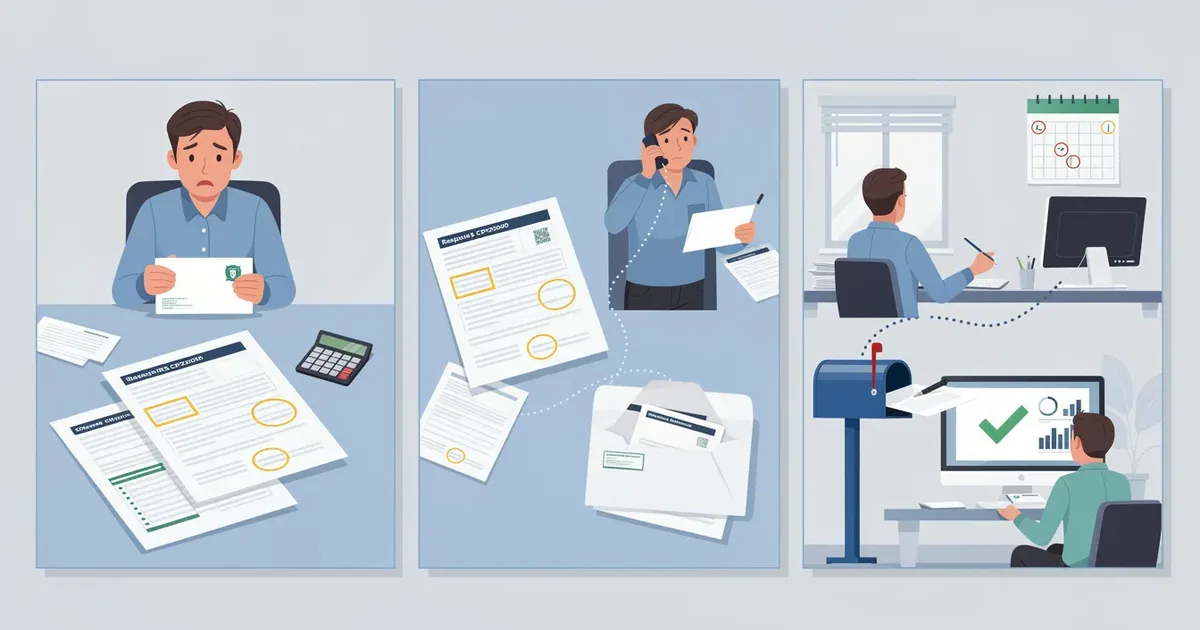
If you've opened a letter from the IRS proposing you owe more taxes, you're probably wondering what to do next. This guide walks you through exactly how to disagree with a cp2000 step by step response, from checking the right box to mailing your evidence, so the IRS hears your side before anything becomes final.
Start Here: Fast Answer If You Already Know You Disagree
If your irs cp2000 notice is wrong, do three things immediately: do not pay the proposed amount, do not file an amended return, and do not ignore the letter. A cp2000 notice is not a final bill or an irs audit. It is a set of proposed changes to your tax return, and it is specifically designed for you to agree, disagree, or partially agree.
Here is what you need to do right now:
Check the "I do not agree" or "I partially agree" box on the cp2000 response form.
Write a short explanation for each line item you dispute.
Attach copies of supporting records such as corrected 1099s, brokerage statements, W‑2c forms, or Form 5498.
Sign and date the response form. If it was a joint return, both spouses must sign. Do not sign the agreement section.
Send everything back by the respond‑by date on the notice - you have 30 days to respond to a cp2000 notice.
The response form included with the notice contains everything the IRS needs to process your disagreement. Your job is to fill it out clearly and attach proof.
ClearNotice is an IRS notice decoder that can translate the specific CP2000 you received into plain English next steps, including deadlines and exactly which documents to gather. If you're staring at pages of confusing tables, it's a fast way to understand what the IRS is actually asking.
What a CP2000 Notice Is (and Why It's Often Wrong)
A cp2000 notice is generated automatically by the irs's automated underreporter program when income reported on your tax return doesn't match what third parties submitted under your social security number. The internal revenue service receives Forms W‑2, 1099, 1099‑K, and 1099‑B from employers, banks, brokerages, and other third parties, then runs a matching process against your filed return. When the income figures don't line up, the irs automated underreporter flags it.
The notice typically proposes three things:
Additional tax based on the income discrepancies it found
A 20% accuracy related penalty for underreported income
Interest calculated from the original return due date (for example, April 15, 2025 for a 2024 return)
The critical thing to understand is that the IRS only sees gross amounts. It doesn't see your cost basis, fees, rollover status, or context. So when irs proposes a proposed tax adjustment, it frequently overstates the additional income and the tax due.
Disagreeing is often appropriate when a broker reported missing basis on a 1099‑B, a 1099‑K includes personal or non‑taxable payments, income was already reported elsewhere on the return, or the income reported isn't actually yours due to a wrong SSN or identity theft. ClearNotice can decode which type of mismatch triggered your specific CP2000 by reading the comparison tables on pages 2–3 of the notice.

Deadlines and What Happens If You Ignore a CP2000 You Disagree With (Statutory Notice of Deficiency)
Most CP2000 notices give you about 30 days from the notice date to respond. That clock starts from the date printed on the notice, not the day it arrives in your mailbox. For example, a notice dated May 10, 2026, means your response deadline is around June 9, 2026.
If you do nothing by that date, the IRS will treat your silence as agreement. It will automatically adjust your account, assess the full proposed additional tax, tack on the accuracy related penalty and interest, and update your records as if you accepted every change. Ignoring a cp2000 notice leads to automatic tax assessment.
Here is the escalation path once that deadline passes:
The irs sends a CP3219A - a statutory notice of deficiency, also called the "90‑day letter."
You have exactly 90 days to petition tax court at the united states tax court. That deadline cannot be extended.
If no petition is filed, the proposed tax becomes a final tax bill. Collection actions - liens, levies, garnishments - can begin.
State tax agencies may also receive the data and trigger matching state assessments based on the same underreported income.
Interest accrues on the unpaid balance from the original due date of the return. Late responses may still be considered if the IRS hasn't yet issued the statutory notice, but waiting means risking your appeal and tax court rights. ClearNotice can read the exact notice and highlight both the response and potential petition deadlines so you don't miscalculate dates.
Step‑by‑Step: How to Disagree with a CP2000 Notice
This is your practical, chronological checklist. If you believe the CP2000 is fully or partially wrong, follow these steps:
Step 1: Read the CP2000 from top to bottom. Highlight the tax year, notice date, and respond‑by date.
Step 2: Identify which line items the irs believes were underreported. Look for entries like "Dividend income from XYZ Brokerage - $7,620."
Step 3: Gather your own records for that tax year: your filed Form 1040, schedules, all W‑2s, 1099s, 1099‑K, 1099‑B, 1099‑INT, 1099‑NEC, K‑1s, and bank statements or brokerage statements.
Step 4: For each disputed item, compare the proposed adjustment amounts to what you filed and what your source documents show. Check your income figures line by line.
Step 5: Decide whether you fully disagree, partially agree, or only want to contest penalties.
Step 6: Complete the CP2000 response page. Check the box indicating disagreement - "I do not agree" or "I partially agree" - and fill in corrected amounts where the form requests them.
Step 7: Draft a short written explanation for each disputed line, referencing the supporting documents you're attaching. A written explanation is required when disputing a cp2000 notice.
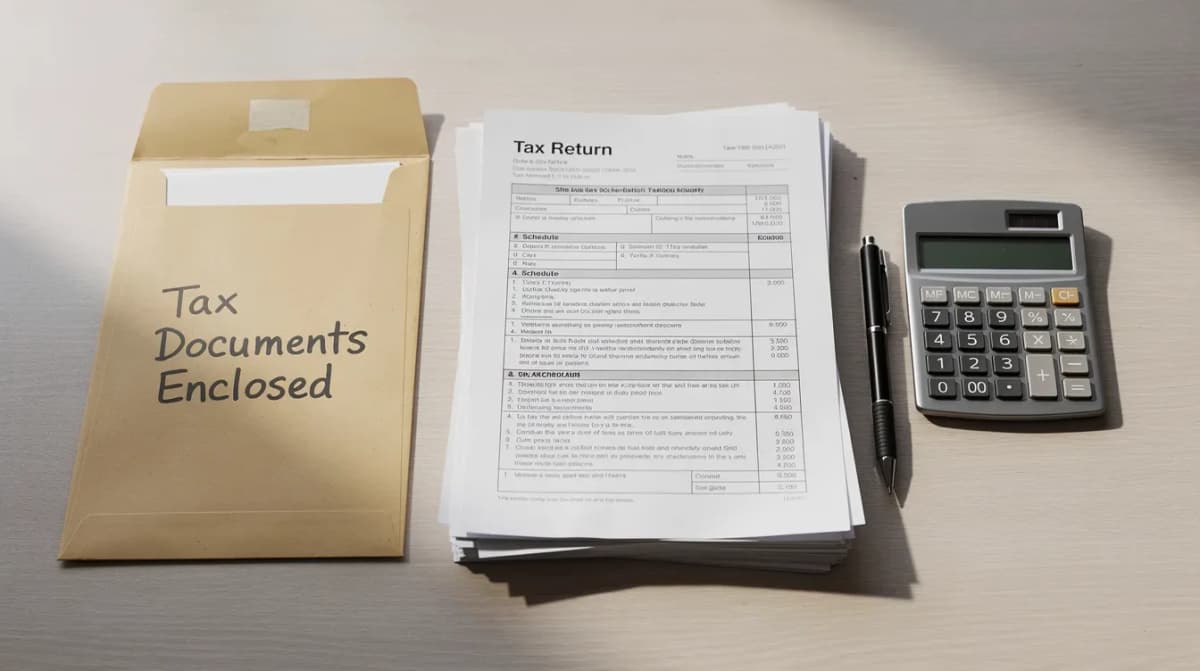
Step 8: Attach copies of supporting documents. Send copies of documents, not originals, to the IRS. Clearly label each page with your name, the last four digits of your SSN, and the tax year.
Step 9: Sign and date the response form. For joint returns, both spouses sign. Include a signed statement affirming the information is correct.
Step 10: Send by IRS Document Upload Tool, fax, or mail to the AUR address on the notice. Keep proof of transmission.
An amended return (Form 1040‑X) is generally not the right way to disagree. The response must go to the specific unit and address listed on the notice.
Choosing Between "Disagree" and "Partially Agree" on the Response Form
The CP2000 response form is not all‑or‑nothing. You can agree to some proposed changes while disputing others, and you can separately contest penalties.
Fully disagree means you believe the income or proposed adjustment is entirely wrong or was already correctly reported. You check "I do not agree" and explain every disputed line item in your response letter.
Partially agree means some portion of the discrepancy is correct - maybe you forgot a $42 1099‑INT - but other portions, like an overstated 1099‑B sale or a non‑taxable rollover, are incorrect. You agree to part of the additional tax and pay it, while disputing the rest.
When you partially agree, your response should lay out:
The IRS proposed amount for each item
Your corrected amount for each item
Any attached worksheets, like a revised Schedule D or Schedule 1
You can also agree to the proposed tax but explicitly disagree with the 20% accuracy related penalty. In that case, add a separate section in your letter citing reasonable cause and good‑faith effort as your basis for penalty removal.
ClearNotice's interface walks users through each CP2000 line, asking "agree, partially agree, or disagree?" and summarizes choices into a response checklist.
Building Your Evidence: Documents to Use When You Disagree
Winning CP2000 disagreements depends on matching each disputed line to clear, concrete supporting documentation - not just a narrative explanation. You can dispute a cp2000 notice with supporting documentation, but that documentation must prove your case against the IRS adjustment.
Here are common dispute types and the evidence that works:
Dispute Type | Typical Supporting Documents |
|---|---|
Missing cost basis on investments | Form 8949, Schedule D, brokerage year‑end statements showing purchase prices, corrected 1099‑B |
Duplicate income forms | Both the "original" and "corrected" 1099, plus a statement from the payer |
Rollovers and retirement accounts | Form 5498, 1099‑R showing code G rollovers, trustee‑to‑trustee transfer confirmations |
Employer W‑2 errors | Form W‑2c, letters from payroll or HR, year‑end paystubs |
1099‑K issues | Merchant statements separating personal vs. business payments, invoices showing non‑taxable reimbursements |
Identity theft or misassigned SSN | Form 14039 Identity Theft Affidavit, notices from financial institutions, police report |
Supporting documents include corrected W-2 or 1099 forms, and bank statements can also serve as supporting documentation for disputes. Records from bank accounts and financial institutions carry weight when they corroborate the numbers on your return.
Always send copies, never originals. Clearly label each page with the relevant CP2000 line item, and highlight the key figures that support your corrected amounts. Include a written explanation with your supporting documents. ClearNotice can scan or read the CP2000 and generate a tailored evidence checklist based on which lines and income types are in dispute.
How to Write a CP2000 Disagreement Letter or Statement
Besides the CP2000 response form, a concise, organized response letter greatly improves the odds that the IRS understands and accepts your disagreement.
Opening paragraph: Include your full name, last four of your SSN, the tax year, and the CP2000 notice number (for example, "CP2000 for 2024 dated March 12, 2026"). State clearly: "I disagree with certain proposed changes as explained below."
Body - one subsection per disputed item: Use headings like "1. Dividend income from ABC Bank - $1,200." For each:
State what the IRS claims
State what you actually reported
Provide the correct numbers
Reference the attached proof (e.g., "See attached Form 1099‑DIV and Schedule B, lines 5–7")
Penalty section: If you want to contest penalties, add a paragraph titled "Reasonable Cause." Describe why you acted in good faith - you relied on a correct 1099 that was later changed, you experienced serious illness, a natural disaster disrupted your records, or complex rules were not clearly explained in IRS instructions. This is where your written explanation of circumstances matters most.
Closing: Request that the IRS adjust your account to the corrected figures and remove any related penalties and additional tax that are unsupported.
Keep the tone factual and professional. Every sentence should support a number or a timeline. Emotional arguments, political objections, or tax protestor language will undermine your case.
ClearNotice can generate a formatted draft letter from your answers that you can print, sign, and attach to the CP2000 form.
Common Situations Where Disagreeing with a CP2000 Makes Sense
Many CP2000 disputes fall into a few recognizable patterns. Here are specific scenarios with approximate dollar amounts:
Investment sales: A CP2000 for 2024 shows $50,000 in "unreported" proceeds from a 1099‑B, but you had $47,000 in cost basis and correctly reported only the $3,000 gain. The IRS proposes about $10,000 in additional tax plus a penalty. Your brokerage statement proves only about $450 in extra proposed tax is actually due. The reporting error was the broker's failure to report basis.
Retirement rollover: A CP2000 treats a $120,000 1099‑R as a taxable distribution, but you did a direct rollover to a 401(k). Attaching Form 5498 and plan statements shows zero taxable additional income.
Employer W‑2 error: An employer filed a W‑2 with wages doubled by mistake. The CP2000 proposes thousands in more taxes. A W‑2c and payroll letter confirm the original filing error.
1099‑K side‑hustle confusion: Payment processors report $40,000 on 1099‑K, but only $20,000 is business income; the rest is personal reimbursements. Bookkeeping records and invoices show the correct taxable amount of other income.
Identity theft: A CP2000 includes income from a job in a different state that the taxpayer never held. Payroll records, a police report, and Form 14039 show misuse of the SSN. Contact the Social Security service and the IRS identity theft unit immediately.
In each case, what the IRS saw on income transcripts lacked context that only you and your own records can provide. ClearNotice can help identify which of these common buckets your situation falls into.

Disagreeing with Penalties, Interest, and "Additional Tax" Separately
A CP2000 bundles three components, and understanding them separately gives you more leverage:
Proposed additional tax - based on the extra income the IRS found
Interest - interest continues to accrue from the original return due date until the unpaid balance is resolved
Proposed penalties - often the 20% accuracy related penalty under IRC §6662
You can accept that you owe some additional tax but still contest penalties. In your response, explicitly state: "I agree with the corrected tax but request removal of the 20% accuracy related penalty because…" Then list your reasonable cause reasons.
Additional interest can be reduced if the underlying tax or penalty is reduced or removed, since interest is computed on the assessed liability. Interest itself generally cannot be abated just because funds were unavailable.
Some taxpayers qualify for first‑time penalty abatement if they have a clean compliance history for the prior three years, filed on time, and had no prior penalties. This is a separate request you can include in your response.
If you need time to pay the tax you do agree to, the IRS offers payment options including a payment plan or installment agreement. These don't affect your right to contest penalties on the portions you dispute.
ClearNotice can surface the split between proposed tax, penalty, and interest in plain language so you know exactly what to dispute.
How to Send Your Disagreement: Upload, Fax, or Mail
The CP2000 notice itself lists available response channels. In 2026, most taxpayers see three options:
IRS Document Upload Tool: The fastest method when the notice includes an access code. Scan or photograph the response form and attachments as PDF, JPG, or PNG and upload through the secure IRS portal. Confirm the upload was received.
Fax: Useful when the deadline is within about 10 days. Use the fax number printed on the notice (the AUR unit number), send during business hours, and print a confirmation sheet for your records.
Mail: Send your response via certified mail with return receipt to the exact address on the upper left of the notice. This gives you proof the irs received your package.
Avoid these mistakes:
Sending responses to general IRS addresses (where 1040s are filed) - these will be mis‑routed
Emailing documents - the IRS does not accept email for CP2000 responses
Mixing payments and disagreement packages without clearly labeling what you owe if you partially agree
Keep copies of all materials sent and received regarding a cp2000 notice. After sending the disagreement, IRS processing of CP2000 disputes can take 8–12 weeks for review. Interim letters like Letter 2645C ("we need more time") are common and do not mean the irs rejects your response.
ClearNotice can read your specific notice to surface the correct upload URL, fax number, and mailing address.
What to Expect After You Disagree - and When to Escalate
After your response is submitted, the IRS reviews your documentation. The entire process from submission to resolution can take several months. Here are the likely outcomes:
Full acceptance: The irs accepts your explanation and issues an updated notice showing $0 additional tax or a reduced amount. Penalties may be removed. You may receive a CP2005 "no change" letter.
Partial acceptance: The IRS agrees in part but still proposes some proposed tax. A new calculation will show revised figures. The irs asks you to review and respond again.
Request for more information: The IRS sends a letter requesting specific missing documents - for example, "send brokerage statement pages 3–5."
Rejection: If the IRS ultimately disagrees, it irs issues a CP3219A, the statutory notice of deficiency. This is a final notice that carries a firm 90‑day deadline to petition tax court. Miss it, and the tax becomes final. You can also contact the irs independent office of appeals before or after receiving this notice to request an independent review.
Consider hiring a tax professional or tax pro when:
The proposed additional tax and penalties are large
Multiple years or complex income types are involved (crypto, stock options, Schedule C)
You've experienced identity theft
You've received a CP3219A or a final notice of intent to levy
ClearNotice can alert you when a new irs notice changes the status from CP2000 to CP3219A and summarize what each new letter means.
Using Transcripts and Preventing Future CP2000 Disputes
IRS wage and income transcripts are powerful tools both for disputing current notices and preventing future ones.
For the disputed year:
Log into your IRS Online Account or request transcripts by mail
Download the Wage & Income transcript for the relevant year (e.g., 2024)
Compare every form listed - W‑2, 1099‑INT, 1099‑K, 1099‑B, 1099‑NEC - with what you filed and what's in the CP2000
Income transcripts can reveal a forgotten 1099‑INT that explains the mismatch, expose identity‑theft entries from an unknown employer, or confirm that the IRS already has corrected 1099s supporting your disagreement. Reviewing irs wage data alongside your own records makes your response airtight.
Prevention tips for upcoming tax years:
Wait until late February or early March to file so all 1099s arrive first
Reconcile 1099‑K totals to business records and exclude non‑taxable payments before filing
Keep complete brokerage records for basis tracking
Review IRS transcripts before filing when prior CP2000 issues have occurred
These steps reduce the chance of the IRS flagging income discrepancies and help you catch problems before the IRS's matching process does. ClearNotice can help interpret raw transcript codes and translate them into a plain‑English summary of what the IRS expects to see on the return.
How ClearNotice Helps You Respond Confidently to a CP2000 You Disagree With
ClearNotice is a B2C online tool that decodes confusing IRS notices like the CP2000 into human‑readable explanations and step‑by‑step next actions. If you're holding a multi‑page letter full of tax jargon, this is where to start.
Here's how a typical CP2000 experience works with ClearNotice:
Upload a photo or PDF of your CP2000
ClearNotice automatically identifies the notice type, tax year, respond‑by date, and the proposed additional tax and proposed penalties
The tool highlights which income items triggered the CP2000 and labels them - wages, interest, dividends, brokerage, 1099‑K, retirement, and so on
Features that directly support your disagreement:
A personalized checklist of documents to gather based on your mismatch type
Plain‑English guidance on whether to fully disagree, partially agree, or only contest penalties
A draft response outline using your own facts and notice details
Alerts and reminders for 30‑day and, if applicable, 90‑day deadlines
ClearNotice does not replace the IRS or provide legal advice. It helps taxpayers understand IRS notices, avoid missed deadlines, and communicate more clearly - especially when they don't have a tax professional.
If you're staring at a confusing CP2000 and believe it's wrong, use ClearNotice to translate the letter, see your options, and move quickly before the IRS's proposed additional tax becomes final. The clock starts from the notice date, not when you open the envelope.
Keep reading
 CP2000 & income mismatch
CP2000 How Long Response: 30-Day Deadline & IRS Timeline
Most taxpayers have just 30 days from the CP2000 notice date to respond, but the full timeline includes waiting periods, IRS review windows, and escalation points that can catch you off guard. This guide covers every stage in plain English.
 CP2000 & income mismatch
CP2000 Accuracy Penalty: What It Is and Next Steps
A CP2000 notice can include a 20% accuracy-related penalty on top of proposed extra tax. This guide explains what triggers it, how the IRS calculates it, and what your response options are.
 CP2000 & income mismatch
CP2000 Response Time: What to Expect From IRS | ClearNotice
Sent your CP2000 response and still waiting? Most taxpayers hear back within 30 to 90 days. Here is exactly what happens after you respond and when to follow up.