
CP2000 for Unemployment Income You Forgot to Report

Getting an unexpected letter from the IRS can make your stomach drop. If you received a CP2000 for unemployment income you forgot to report, it usually means the IRS found a mismatch between your tax return and the unemployment benefits your state reported on Form 1099-G. A CP2000 is a proposed adjustment—not a final bill—but it has a response deadline, and waiting can lead to added tax, interest, penalties, and fewer options to challenge it.
If you're a U.S. taxpayer trying to handle this notice on your own, this guide walks through what the CP2000 means, why unemployment income gets missed or mismatched, how to read the notice, when to agree or dispute it, and what to do next to avoid bigger problems.
Quick answer: What a CP2000 for unreported unemployment means
A CP2000 notice indicates income reporting discrepancies between what you included on your tax return and what the IRS received from third parties. A CP2000 notice typically arises from reported unemployment income on a Form 1099-G that your state unemployment agency filed with the IRS but that you left off (or underreported on) your original tax return.
Here's what matters right away:
The notice is a proposed adjustment and not a final tax bill. The IRS is asking you to review, not demanding immediate payment.
CP2000 notices are not formal audits by the IRS. No examiner has been assigned. It's a computer-generated mismatch flag.
Unemployment compensation is generally taxable at the federal level for tax year 2022 and later. Forgetting to include it can create additional tax, penalties and interest.
You must respond to CP2000 notices within 30 days to avoid penalties and preserve your right to contest the proposed changes, after reviewing whether the IRS missed any withholding or deductions.
ClearNotice is a digital IRS notice decoder that helps you read a CP2000 in plain English, highlights the exact due date and proposed adjustment, and outlines your next steps so nothing falls through the cracks.
What is an IRS CP2000 notice and why unemployment triggers it
A CP2000 notice is generated by the IRS's Automated Underreporter (AUR) matching program, which compares the income reported on your filed tax return against income information reported to the IRS by employers, financial institutions, and other payers. The IRS sends CP2000 notices based on third-party income data whenever a discrepancy surfaces.

State unemployment offices file Form 1099-G listing total benefits paid in Box 1 (including any pandemic-era federal supplements) and any federal tax withheld in Box 4. If that amount doesn't match what you entered on Schedule 1, Line 7 of your Form 1040, the IRS matching program flags mismatches with Transcript Code 922, and a CP2000 is created.
The IRS wage and income transcript database populates after each tax year. For example, most 2023 income documents finish loading by mid-2024, and the IRS runs its matching program against the wage transcript database annually, with the mismatch then reflected on your IRS account through transcript and balance updates. That means a CP2000 notice for a 2023 return might not arrive until late 2024 or early 2025.
Key distinction: unlike a formal irs audit, a CP2000 does not review your full return. It targets only the specific income mismatch. And not every CP2000 is correct-state agencies sometimes issue corrected 1099-G forms or report benefits that were later repaid.
Typical reasons unemployment income gets missed or mismatched on your tax return
Unemployment income is easy to overlook because it comes from a state agency rather than an employer, and the 1099-G form is far less familiar than a W-2 to most taxpayers.
Common reasons for the discrepancy:
Never received the 1099-G. Some states only post it online in their unemployment portal. If your mailing address was wrong or you didn't check the portal, you may have filed without it.
Partial reporting errors. You entered state unemployment but forgot the federal pandemic add-ons (like the extra $600/week), or you moved mid-year and missed a 1099-G from a second state.
Misapplying the 2020 exclusion. The American Rescue Plan allowed excluding up to $10,200 of unemployment for tax year 2020 only. Some taxpayers mistakenly applied that exclusion to 2021 or later returns, creating underreported income.
Tax identity theft. Criminals may have filed for unemployment using your Social Security number or taxpayer identification number. The state then issues a 1099-G in your name for money you never received.
Software or preparer errors. DIY tax software may skip the unemployment line if you rush through, and changing tax professionals mid-year can mean income documents get lost in transition.
How to read your CP2000 notice and wage and income transcripts for unemployment discrepancies
Before reacting, sit down with three things: the CP2000 letter, a copy of your original tax return, and any 1099-G forms or state unemployment records you have.
Here's where to look on the notice:
Income comparison table. Find the section listing "Income reported to the IRS" alongside "Income you reported on your return." Look for a line referencing a payer like "STATE DEPT OF LABOR" or "UNEMPLOYMENT COMP." The difference is the underreported income the IRS believes you owe more taxes on.
Proposed tax, proposed penalties, and interest. The notice calculates the resulting change to your tax liability, typically adding a 20% accuracy-related penalty and interest back to the original due date.
Response deadline. Near the top or in the "What You Need to Do" section, the notice prints a date. That deadline runs from the date the IRS sends the notice-not the day you open the mail.
Taxpayers must verify the accuracy of the issued notice. Pull your IRS wage and income transcripts for the same tax year to confirm every 1099-G amount on file, and to spot any duplicates or errors. The IRS typically updates the transcript date with each notice sent, so use the most recent version.
ClearNotice can decode the notice for you, highlighting exactly which line item is unemployment, what the proposed tax change is, and when your response is due.

Step-by-step: What to do when you get a CP2000 for unreported unemployment
Do not ignore this notice. Failure to respond leads to a statutory notice of deficiency (CP3219A), which locks in the proposed tax, penalties, and interest and limits your options to tax court.
Follow this process:
Verify the income. Log into your state unemployment portal and check bank statements to confirm whether you actually received the benefits the IRS received on your 1099-G. Gather all income documents.
Compare to your return. Look at Schedule 1 of your filed tax return for the unemployment compensation line. Determine whether you reported the full amount, a partial amount, or nothing at all.
Decide: agree or disagree. Before touching the response form, figure out whether the proposed adjustment is correct, partially correct, or wrong.
Complete the response form. Check the appropriate box (agree or disagree with the proposed changes), sign, date, and include your phone number.
Submit your response. Use the IRS Document Upload Tool if the notice includes a link, the fax number printed on the CP2000, or mail to the address on page one. Fax your response if the deadline is within 10 days. If mailing, use certified mail for proof of delivery.
Taxpayers have about 30 days to respond to a CP2000 notice, so act quickly.
Agreeing vs. disagreeing with the proposed changes
You can agree with all, part, or none of the IRS's proposal. Your choice affects whether you can avoid penalties or request an appeal later.
If you agree:
Sign the response form acknowledging the proposed changes.
Calculate your new total (additional tax plus interest and any proposed penalties).
Pay the balance or set up a payment plan through the IRS Online Payment Agreement tool. Even a partial payment reduces the interest that continues to accrue.
Do not respond with a Form 1040X for CP2000. The IRS recommends not filing an amended tax return unless additional corrections beyond the CP2000 items are needed, because an amended return goes to a different department and will not stop the CP2000 process. If you discovered separate issues not covered by the notice, you may sometimes file an amended return on a separate track to correct them and claim a refund when appropriate.
If you disagree with the proposed changes (fully or partially):
Check the "disagree" box on the response form.
Attach a detailed explanation with supporting documentation: a corrected 1099-G, proof you repaid benefits, state fraud investigation records, or bank statements showing you never received the funds.
Include a request for an appeal in your response so you preserve your right to review by the IRS Independent Office of Appeals before a deficiency is formally assessed.
The document allows taxpayers to dispute findings with supporting evidence, so be specific. Documentation is required if a taxpayer disagrees with the notice's findings. ClearNotice can help you organize your reasons point by point and draft a clear response in plain language.
Penalties, interest, and strategies to avoid or contest them
The IRS may propose additional taxes and penalties in CP2000 notices. A typical CP2000 for unreported unemployment includes a 20% accuracy-related penalty on the underpayment, plus interest running from the original due date of the return (for example, April 15, 2024, for a 2023 return).
How the charges break down:
Component | How it works |
|---|---|
Additional tax | Based on your marginal rate applied to the unreported income |
Interest | Accrues daily from the original due date; continues even while you dispute |
Accuracy-related penalty | 20% of the underpayment if the IRS believes negligence or substantial understatement applies |
Interest and penalties may be incurred for unpaid taxes based on the notice, but you can contest penalties in your CP2000 response even if you agree you owe the underlying tax. To do so, argue reasonable cause: for example, you never received the 1099-G, relied on incorrect state reporting, experienced serious illness, or were a victim of identity theft.
Use your irs wage and income transcripts and state unemployment statements to show you acted in good faith. ClearNotice flags exactly where in your written response to raise penalty relief, helping you build a stronger case.
How to prevent future CP2000 notices for unemployment and other income
Preventing a CP2000 is far cheaper and less stressful than resolving one. The core principle: match what you file to what the IRS already has.
Pull income transcripts early. Use IRS transcripts to verify income before filing your return. After late May each year, most 1099-G, W-2, and other income data is loaded. Check IRS wage and income transcripts for errors before filing.
Report all income accurately to avoid CP2000 notices. Employers and other payers file W-2s and 1099s by January 31 to reduce discrepancies-make sure you've collected every form before you file.
Build a checklist. Track every expected income document: W-2, 1099-G, 1099-INT, 1099-DIV, 1099-NEC, 1099-K. Confirm each is either reported or confidently not applicable.
Amend proactively. If you discover missing unemployment income after filing but before a CP2000 arrives, file an amended return (Form 1040-X) and pay the extra tax. Acting first demonstrates good faith and can reduce interest.
Watch for identity theft. If you receive a 1099-G from a state where you never applied for unemployment, report it to the state agency immediately and file Form 14039 with the IRS. Use any available identity protection security service or IP PIN.
ClearNotice helps you interpret any future irs notice quickly, understand which income items are in question, and stay ahead of deadlines so a routine letter never escalates into a full tax controversy. Upload your notice, get plain-English answers, and respond with confidence.
Keep reading
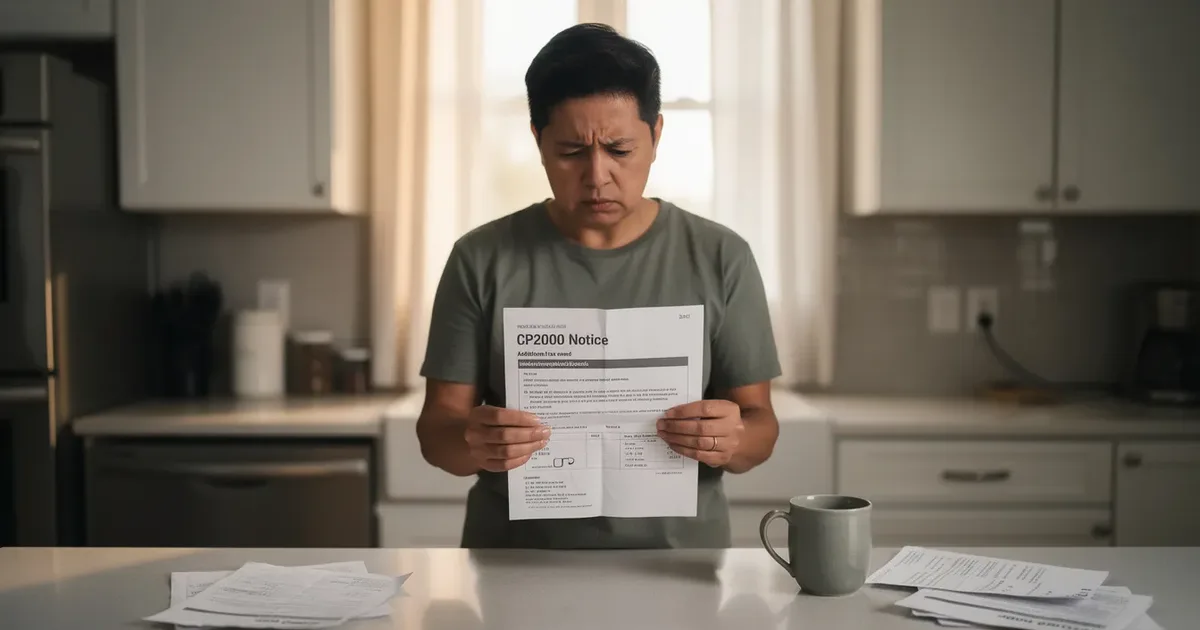 CP2000 & income mismatch
CP2000 How Long Response: 30-Day Deadline & IRS Timeline
Most taxpayers have just 30 days from the CP2000 notice date to respond, but the full timeline includes waiting periods, IRS review windows, and escalation points that can catch you off guard. This guide covers every stage in plain English.
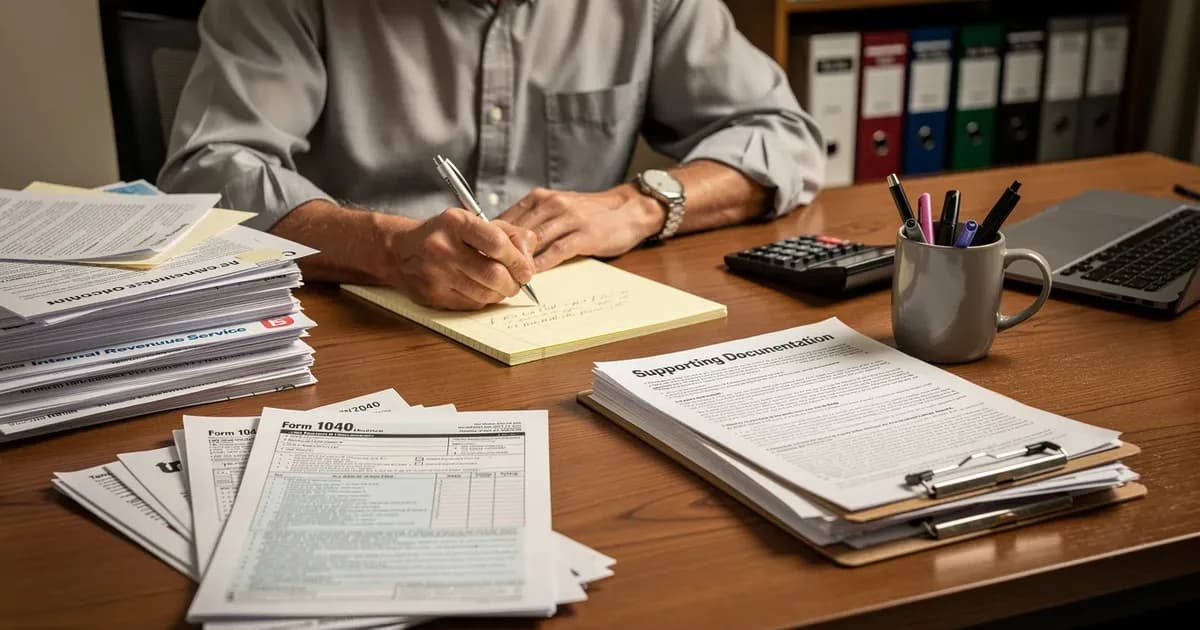 CP2000 & income mismatch
CP2000 Accuracy Penalty: What It Is and Next Steps
A CP2000 notice can include a 20% accuracy-related penalty on top of proposed extra tax. This guide explains what triggers it, how the IRS calculates it, and what your response options are.
 CP2000 & income mismatch
CP2000 Response Time: What to Expect From IRS | ClearNotice
Sent your CP2000 response and still waiting? Most taxpayers hear back within 30 to 90 days. Here is exactly what happens after you respond and when to follow up.