
CP2000 but I Already Reported That Income – How to Prove It

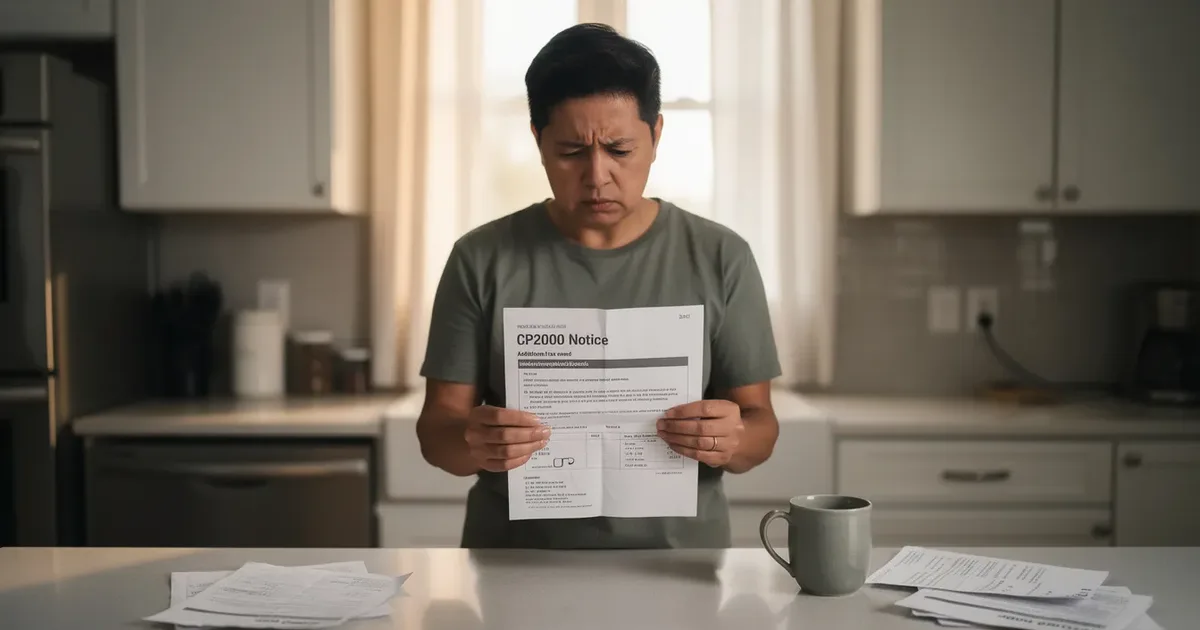
You filed your tax return, reported everything, and months later the IRS sends you a CP2000 notice saying you left income off your return. If you already reported that income, the way to prove it is to match the income listed on the CP2000 to your filed return, gather the original W-2s or 1099s and your IRS wage and income transcripts, and send the IRS a clear response letter with that evidence before the deadline. Here's how to resolve the discrepancy without paying more tax, interest, or penalties you don't owe.
This guide is for U.S. taxpayers—especially people handling an IRS notice without a tax professional—who believe a CP2000 is wrong because the income was already reported. It explains what a CP2000 notice means, why income mismatches happen, how to document where the income appears on your return, how to address proposed penalties, and what to do next if the IRS still disagrees, including Appeals or Tax Court.
Quick answer: What to do if your CP2000 shows income you're sure you already reported
Take a breath. A CP2000 notice is not an audit or final bill. It's generated when the IRS system compares what employers, banks, brokerages, and other third parties reported under your social security number against what appears on your tax return for that tax year. When the numbers don't line up, the Internal Revenue Service flags the difference automatically.
Here's the thing: many taxpayers who receive this notice are dealing with the same issue - the income really was reported, but the IRS computer didn't recognize it. Duplicate payer reports, consolidated brokerage statements, or simple mapping quirks in tax software can all trigger a false mismatch. The IRS typically sends CP2000 notices 6 to 12 months after filing, so by the time it arrives, you may not even remember the details.
If you're sure the income was already on your return, follow this checklist:
Pull your filed tax return and all schedules for the year in question (e.g., 2022 Form 1040, Schedule B, Schedule D).
Identify the flagged income item on the CP2000 - the payer name and amount the IRS says you missed.
Find where that amount already appears on your return (a specific line on Schedule B, D, or elsewhere).
Gather your original income documents - the W-2, 1099, or brokerage statement backing it up.
Write a clear CP2000 response explaining "this income is already included" and attach your proof.
If the IRS ultimately rejects your proof, the case can escalate to a statutory notice of Deficiency (CP3219A), but you have rights - including Appeals and tax court. ClearNotice is an online IRS notice decoder that helps you read your CP2000 notice, identify your deadline, and understand what steps to take next, all in plain English. This article walks through exactly how to prove income was already reported and how to avoid penalties.
Understanding your CP2000 notice and why the IRS thinks you underreported
CP2000 notices are generated by the IRS Automated Underreporter Program, not by a human examiner. The IRS Matching Program detects unreported income discrepancies by comparing your return against third-party income data - W-2s from employers, 1099-INT forms from financial institutions, 1099-B reports from brokerages, 1099-NEC filings, K-1s, and more. The IRS runs its matching program annually after tax year completion, which is why you typically receive a CP2000 six to twelve months after you file.
A typical CP2000 notice includes:
The tax year (e.g., "Tax Year: 2022")
A table showing "what you reported" vs. "what payers reported to us"
Proposed additional tax, interest, and proposed penalties (often a 20% accuracy-related penalty)
A response deadline - usually 30 days from the notice date
The notice proposes changes to your tax liability, but it is not a final determination. You can agree, partially agree, or disagree. A CP2000 notice usually results from mismatches between reported income and IRS records - it is distinct from a statutory notice of deficiency (CP3219A), which follows if you ignore the CP2000, and from an irs audit (correspondence, office, or field exam). A Code 922 on your IRS transcripts indicates unreported income flagged by this process.
ClearNotice's decoder can help you pinpoint key fields on your specific notice - the tax year, the proposed amount in dispute, and the deadline - so you know exactly what the notice means.

Common reasons CP2000 shows income you already reported
The most frustrating CP2000 cases are the ones where you're right: the income really was on your original tax return, but the IRS computer didn't see it clearly. The proposed adjustment in a CP2000 notice may count income already reported differently than how it appears on your return. Here are the most common scenarios:
Consolidated interest reporting. You combined three 1099-INTs from different banks onto Schedule B. The IRS is looking for each exact payer amount separately and thinks one is missing.
Brokerage summary entries. You used a consolidated 1099-B from Fidelity or Schwab on Schedule D and Form 8949, but the AUR system compares individual trades or gross proceeds. Brokerage transactions often lead to CP2000 notices due to incorrect cost basis reporting - or simply because you summarized.
Crypto or stock sales reported as combined numbers. Your exchange's annual statement lists each transaction separately, while you entered net totals on Form 8949. The IRS sees a discrepancy in income data.
Payer error or duplicate. A 1099-MISC was issued twice under slightly different EINs - the IRS sees double the income even though you received and reported it once. The IRS may issue a CP2000 notice due to third-party reporting errors like this.
Wrong SSN cross-match. A spouse's 1099-DIV was filed under your social security number, making the computer count it as separate unreported income reported under your account.
Tax software mapping. Your software rolled a 1099-INT into a combined line item, but the irs system expects each payer name and amount individually.
Consider Maria's case: she received a CP2000 for a $35,000 1099-B brokerage transaction. The sale was already on her Schedule D with cost basis on Form 8949. She responded with those documents and the IRS accepted - no additional tax.
Understanding which category your situation falls into shapes the proof you'll send.
Step 1: Match the CP2000 notice to your 1040 and income documents
Don't skip this step. The first way to prove the IRS wrong is to show exactly where on your original return the disputed income already appears. To prove you reported income on a CP2000 notice, gather your filed tax return for the year in question.
Collect these items for the tax year shown on the CP2000:
Full copy of your filed Form 1040 and all schedules
All W-2s
All Forms 1099 (1099-INT, 1099-DIV, 1099-B, 1099-NEC, 1099-MISC, 1099-K, 1099-R)
Brokerage and crypto annual statements
Any K-1s
Documentation may include Forms W-2, 1099, and supporting schedules like Schedule C and D. Now line up the items: use the income table in the CP2000 (often on page 3) to identify where the income is listed on your tax return. Next to each payer and amount, note which line or schedule it ended up on - for example, "$873.16 interest from Chase - Schedule B, Part I, line 1, included in Form 1040 line 2b."
Highlight or circle those lines on copies of your return and income documents. If you can't find a particular item on your return at all, you may not have reported it - in that case, you might agree to part of the CP2000 while disputing other items.
Do not respond with a Form 1040X for CP2000 - it is not an amended return situation unless other parts of your return are affected. ClearNotice helps you quickly identify which income lines in the CP2000 tie back to which lines on your return using plain-language labels.
Step 2: Use IRS wage and income transcripts to prove what the IRS has on file
IRS wage and income transcripts are internal records listing every W-2 and 1099 filed under your social security number for a particular tax year. They show payer names, amounts, and whether corrected forms were submitted. Request IRS wage and income transcripts for accuracy - they are your strongest tool for proving what the IRS actually received.
How to request them:
Online via IRS "Get Transcript" at irs.gov
By mail using Form 4506-T
Through a tax pro using Form 2848 or 8821
In "already reported" cases, income transcripts help you confirm whether the 1099 the CP2000 is using actually matches your SSN. They also reveal duplicates - for instance, a 2022 irs wage and income transcript might show two 1099-INT entries for the same bank: one original and one corrected. If you reported the corrected amount but the CP2000 is using the original (higher) amount, the transcript proves the discrepancy.
Print or save the relevant transcript pages, mark entries that are duplicates or corrected, and attach them as part of your response package. Note that transcripts may lag - 2023 income transcripts may not be complete until mid-2024 - so some mismatches may involve late third-party filings that need a separate explanation in your letter.

Step 3: Build a clear paper trail that shows the income was already reported
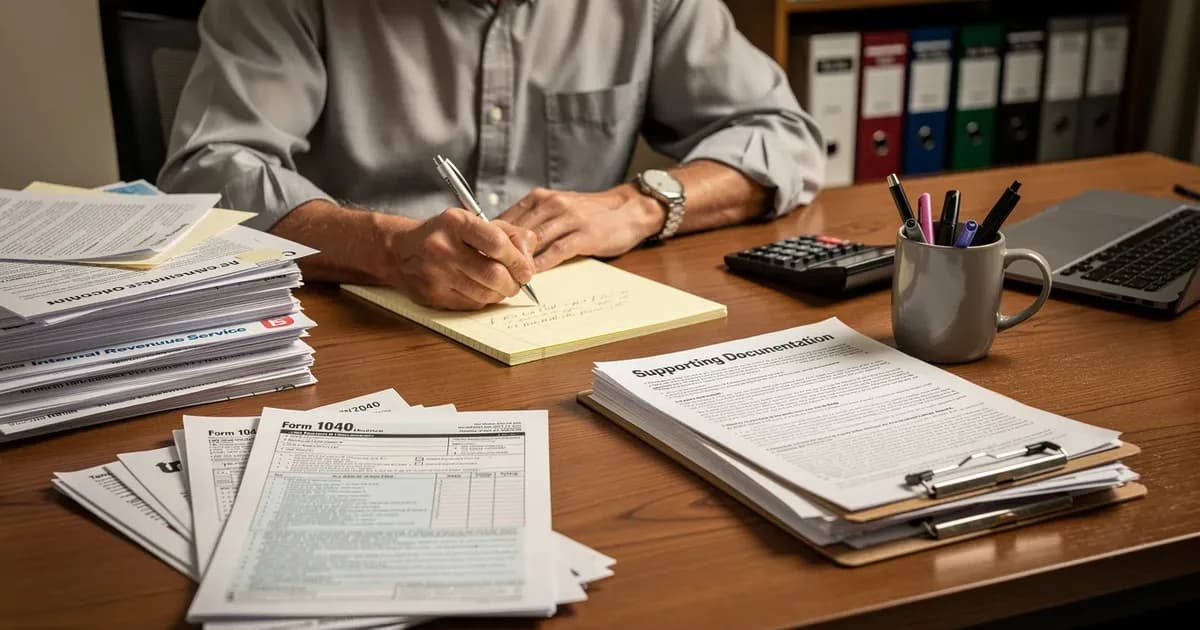
This is the evidence assembly phase: converting what you know into documents an IRS employee can easily follow. Include supporting documents with your response and retain copies of everything sent to the IRS in response to a CP2000 notice.
Gather and organize:
Copy of the CP2000 notice with disputed items highlighted
Copy of your filed return pages showing where the income was reported
Copies of underlying income documents (W-2s, 1099s, brokerage statements)
Copies of wage and income transcripts with problem entries marked
Create a simple "mapping" table that links each disputed item to your return:
Payer & amount from CP2000 | Form and line on your return | Supporting document |
|---|---|---|
Bank of America - $12,450 interest | Schedule B, Part I, line 1 → 1040 line 2b | 2022 1099-INT, Box 1 |
Fidelity - $35,000 proceeds | Schedule D, line 1a → Form 8949 | 2022 consolidated 1099-B |
For brokerage activity, include a realized gain/loss report showing the same gross proceeds. For crypto, attach the exchange statement plus Form 8949 detail.
Include a signed statement explaining that the income was already reported. Send copies, never originals, and keep a complete set of supporting documentation for your own records. This structured paper trail is what allows you to effectively contest penalties and additional tax in the steps that follow.
Step 4: Write a focused CP2000 response letter explaining that the income was already reported
The response form included with the CP2000 doesn't offer enough space for complex explanations. You can contest a CP2000 notice by preparing a response package with documentation and a separate explanation letter.
Structure your cp2000 response letter like this:
Header: Your name, address, phone, last four digits of your SSN, tax year, and CP2000 notice number
Introduction: One paragraph stating you disagree (or partially agree) because the IRS has counted income that is already reported on your original return
Body: Numbered points addressing each disputed item
Closing: A statement that you believe no additional tax or penalties are due on those items, with a request that the IRS correct its records
Example body paragraph: "Item 1: The CP2000 shows $12,450 in interest from Bank of America that was allegedly not reported. This full amount is included on my 2022 Schedule B, Part I, line 1, and flows to Form 1040, line 2b. Please see the attached copy of my return and the attached 1099-INT."
If you partially agree with some items, clearly separate those from the ones you dispute. Mark the "disagree" box on the response form if you believe you reported the income. Respond using the form included in the CP2000 notice alongside your letter. Attach copies of your original tax return with relevant schedules to support your claim, and reference your mapping table ("See Attachment A").
Submit a written explanation and proof to the IRS. ClearNotice can help you understand the CP2000 language, choose agree/partially agree/disagree, and draft a plain-English summary before you turn it into a formal letter.
Deadlines, delivery methods, and how to avoid a Statutory Notice of Deficiency
CP2000 notices carry a strict response window. You have 30 days to respond to a CP2000 notice from the date printed in the upper-right corner - not from the day you opened the envelope. If you live outside the U.S., you must respond to a CP2000 notice within 30 days or 60 days if outside the US.
Protect your rights:
Check the "respond by" date immediately and write it on the front of the notice
Mail your response at least 7–10 days before the deadline (use certified mail with return receipt)
If you need more time, call the phone number on the notice to request a 30-day extension and note the agent's name and ID
You can fax your response if the deadline is within 10 days
You can reply using the IRS Document Upload Tool if the notice instructions allow it
If you don't respond by the deadline, ignoring a CP2000 notice can lead to automatic tax adjustments. Ignoring a CP2000 notice can lead to penalties. The IRS will issue a CP3219A statutory notice of deficiency, giving you 90 days to petition Tax Court before the proposed amount becomes final and the IRS can begin collection - including reducing your refund or applying enforcement.
Even when you fully disagree, you must still respond by the date to avoid penalties and automatic assessment.

How to contest additional tax and penalties when income was already reported
When the IRS counts already-reported income as "new," it can wrongly increase both the additional tax you supposedly owe and the proposed penalties - including a 20% accuracy-related penalty. Your cp2000 response needs to address each component separately:
Proposed additional tax based on the mismatch
Interest the IRS has calculated on that proposed amount
Penalties, especially the accuracy-related penalty
If you prove the income was already included on your original tax return, the additional tax on that item should drop to zero, and related interest and penalties on that portion should be removed. To contest penalties, state clearly that any accuracy penalty relating to already-reported income is inappropriate because there was no underpayment.
If there were minor issues - like relying on a corrected 1099 from a bank - argue "reasonable cause and good faith." For example: "The discrepancy arose from duplicate 1099-INT reporting by the financial institution. I reasonably relied on the corrected form when filing my 2021 tax return."
If you agree with some items and owe taxes on them, you can arrange a payment plan for that portion to stop interest from growing, while still disputing the rest. If the IRS later sends an updated notice still showing extra tax, you may need to request an appeal or file a Tax Court petition to protect your ability to contest penalties and avoid paying more taxes you don't owe.
Appeals, reconsideration, and what to do if the IRS still says you owe
Sometimes, even with solid proof that income was already reported, the IRS AUR unit may not fully agree with your response. Here are your escalation paths:
IRS Independent Office of Appeals - often available from the CP2000 stage if you explicitly request it in your letter
Statutory Notice of Deficiency and Tax Court petition - you have 90 days from the CP3219A to file
Audit Reconsideration - available if the tax has already been assessed and you later find additional information or better documentation
In your initial CP2000 response, include a sentence requesting that if the IRS does not accept your explanation, your case be forwarded to Appeals. Keep copies of all notices and responses to show you acted within deadlines.
Example: IRS issues a CP2000 for 2019. You respond showing a 1099-DIV was already on Schedule B. The IRS partially agrees but still treats some income as new. You then request Appeals review, which is independent of the AUR unit and can consider the clarity of your records, fairness, and hazards of litigation when deciding whether additional tax and penalties are appropriate.
Tax professionals can be valuable at this stage if the amounts are significant. If your situation involves unexpected W-2s or 1099s you never earned, that may indicate tax identity theft - a separate process entirely that requires contacting the IRS Identity Protection unit.
ClearNotice helps you track which notice you're on (CP2000 vs. CP3219A) and summarizes next steps so you don't miss key deadlines.
Preventing future CP2000 notices when your income is actually reported correctly
Even after you successfully resolve this CP2000, adjusting your filing habits can prevent repeat notices. Report all income accurately to prevent CP2000 notices - and make it easy for the IRS matching program to verify.
Prevention strategies:
Wait for all income documents before filing. Collect every W-2, 1099, K-1, and brokerage statement for the tax year first.
File an extension if needed. This gives you until October to file an extension to verify income before the tax deadline, and lets you use late-summer wage and income transcripts to check for missing forms.
Check for missing 1099 forms to avoid discrepancies. Request IRS wage and income transcripts before filing to catch forms you may not have received.
Review your current tax return for prior year discrepancies - especially if you've had a CP2000 before.
Think like the AUR program: match payer names and EINs on your return to what will appear on IRS transcripts. Avoid combining unrelated payers into a single line if it will obscure the matching process.
Monitor for identity-theft red flags - unexpected W-2s or 1099s on your transcripts from employers or banks you never used. The IRS matching program uses third-party income data for verification, so any erroneous filing under your social security number can trigger a notice.
Regularly checking transcripts for the most recent tax year (e.g., checking 2025 transcripts in mid-2026) helps catch mismatches early and may let you file an amended return before a CP2000 is issued.
How ClearNotice can help you understand and respond to a CP2000 notice
ClearNotice is an online tool that decodes IRS notices like CP2000 in plain English for U.S. taxpayers - especially those without a tax professional. The IRS sends CP2000 notices for income discrepancies, and deciphering the technical language shouldn't require a CPA.
Key features for "already reported income" cases:
Upload or enter your CP2000 notice details and get a clear explanation of what the IRS is questioning
Automatic identification of response deadlines and potential next notices (like a statutory notice of deficiency)
Step-by-step checklists for gathering your original tax return, income documents, and wage and income transcripts
ClearNotice also highlights where additional tax and proposed penalties appear on your notice, so you can decide what to contest. It generates a plain-English summary you can adapt into a formal response letter, and provides guidance on when to seek professional representation.
ClearNotice does not replace a CPA or tax attorney, but it gives taxpayers enough clarity to decide whether they can handle the CP2000 response themselves or need to bring in a pro. Response to CP2000 should include evidence highlighting the income reported on the tax return - and ClearNotice helps you organize exactly that.
Summary: Key takeaways for proving income was already reported
CP2000 notices are about mismatched income, not automatic guilt. The IRS sends approximately 5 million CP2000 notices annually, and it's common for the computer to flag income that is already on your return. The typical timeline for receiving a CP2000 notice is 6 to 12 months after filing. You can prove the discrepancy is wrong by matching the CP2000 to your 1040, income documents, and wage and income transcripts, then sending a structured response.
The crucial steps:
Compare each CP2000 item to your original return and highlight where it already appears
Build a clear paper trail with a mapping table, supporting documents, and IRS transcripts
Write a focused response letter and submit it by the deadline - respond to the CP2000 notice within 30 days
If you owe nothing on the disputed items, don't pay the full amount - disagree and prove it
You can and should contest penalties tied to income that was already reported. If the IRS doesn't agree, Appeals and Tax Court options exist to address the difference and resolve the matter.
Use ClearNotice's IRS notice decoder to translate your CP2000 into a clear action plan you can follow with confidence - before deadlines pass and deductions, credits, or your refund are at risk.
Keep reading
 CP2000 & income mismatch
CP2000 How Long Response: 30-Day Deadline & IRS Timeline
Most taxpayers have just 30 days from the CP2000 notice date to respond, but the full timeline includes waiting periods, IRS review windows, and escalation points that can catch you off guard. This guide covers every stage in plain English.
 CP2000 & income mismatch
CP2000 Accuracy Penalty: What It Is and Next Steps
A CP2000 notice can include a 20% accuracy-related penalty on top of proposed extra tax. This guide explains what triggers it, how the IRS calculates it, and what your response options are.
 CP2000 & income mismatch
CP2000 Response Time: What to Expect From IRS | ClearNotice
Sent your CP2000 response and still waiting? Most taxpayers hear back within 30 to 90 days. Here is exactly what happens after you respond and when to follow up.