
IRS Email: How the IRS Uses Email and How to Stay Safe
If you have ever received an email claiming to be from the IRS, your first reaction was probably a mix of confusion and worry. That reaction is healthy. The IRS has strict rules about when and how it contacts taxpayers by email, and most messages that land in your inbox with "IRS" in the sender line are fraudulent. This guide covers exactly when the IRS does use email, how to spot a scam, and what to do if you are unsure whether a message is real.
Quick answer: Does the IRS email you?
The IRS never sends unsolicited emails to taxpayers. If you receive an unexpected email from the IRS about a tax bill, refund, audit, or payment you owe, it is almost certainly a scam. The IRS will never request sensitive information via email, and it does not use standard email as a first point of initial contact for anything involving your tax account.
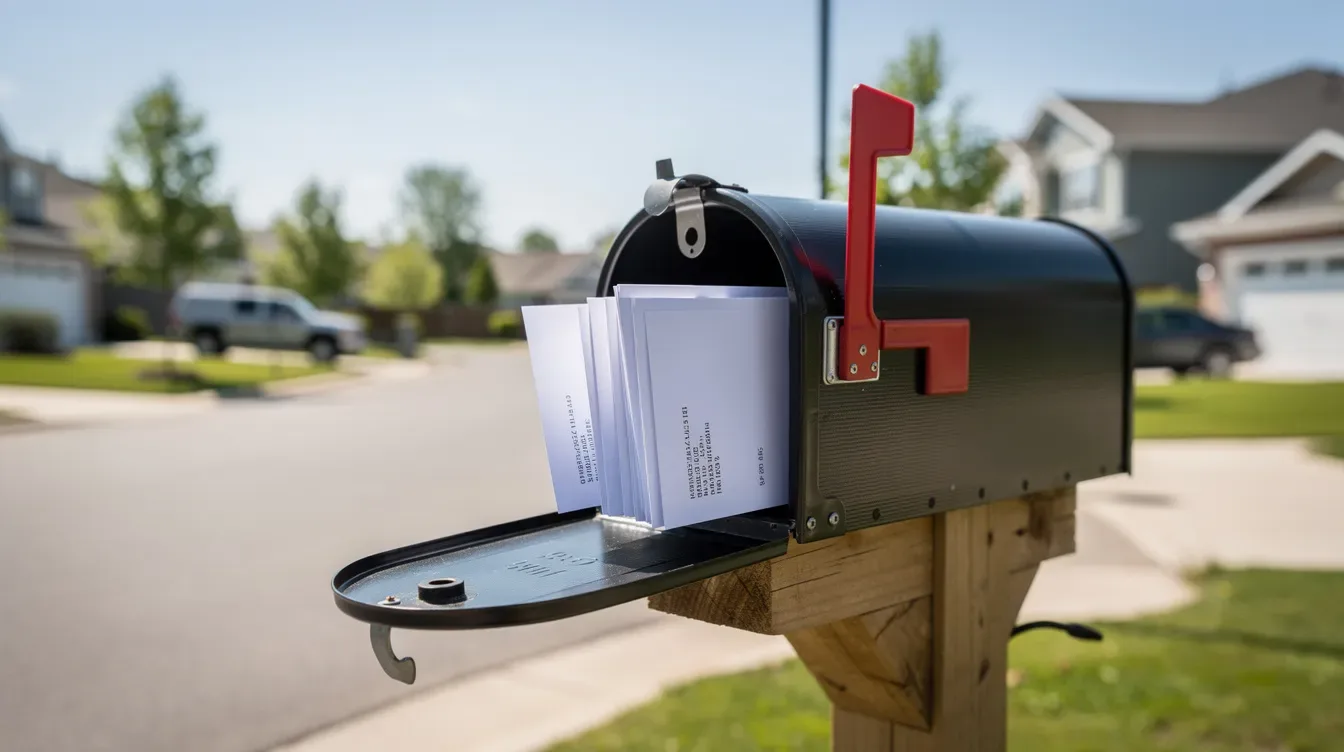
Legitimate IRS communication about your specific taxes starts with a mailed letter or notice sent through the U.S. Postal Service. The IRS requests sensitive information only via U.S. postal service or through approved secure channels. That letter will include a notice number (like CP2000 or CP14), a contact phone number, and instructions for how to respond. No email, text message, or social media DM replaces that process.
Individuals cannot email anything to the IRS through a general inbox. The IRS does not accept general tax-related questions via standard email. You can only email the IRS if you have an ongoing case with an assigned employee who has already verified your identity and offered encrypted email as an option.
There are a few narrow situations where IRS-related email is legitimate:
IRS Online Account notifications you opted into, which alert you to new messages in your secure portal but never include account details in the email itself.
Subscription-based updates like "IRS Tax Tips," which are informational and never ask for personal data.
Secure encrypted email from a specific IRS employee you are already working with on an audit, collection, appeal, or Taxpayer Advocate case.
If you have received a paper IRS letter and want to confirm whether a follow-up email is real, uploading the letter to ClearNotice gives you a plain-English explanation of the notice type, its deadlines, and whether the IRS would typically use email for that kind of case. That context makes it easier to identify whether any related email correspondence is legitimate or fake.
When and how the IRS legitimately uses email for initial contact
The IRS does use email in a limited number of controlled scenarios. None of them involve cold-contact emails asking for your password, full Social Security number, or immediate payment. Every legitimate use of email requires that you either opted in, initiated the interaction, or are already in an ongoing case with a named IRS employee, including case-based exchanges handled by a representative for the taxpayer.
The IRS's current policy allows limited email communication through 2026. Specifically, interim guidance effective through October 31, 2026, permits encrypted email exchanges between IRS employees and taxpayers in certain active cases. Outside of those cases, IRS email use is restricted to non-sensitive, non-case-specific messages like account notifications and subscription newsletters. Tax professionals may email the IRS under specific circumstances tied to their clients' ongoing cases as well.
Across all legitimate email scenarios, sensitive personal information is either left out of the email entirely or kept inside a secure portal with encryption. The sender address always ends in @irs.gov. Subscription emails arrive from irs@service.govdelivery.com. Anything from a domain like @irs-support.com or @irs-gov.net is fraudulent.
Working directly with an assigned IRS employee by email
Only taxpayers who are already in contact with a specific IRS employee may be offered secure email as a communication option. This is voluntary; you never have to use it.
The typical consent process works like this: you first receive a mailed letter about your case (an audit, collection matter, appeal, or Taxpayer Advocate file). An IRS employee then calls you or speaks with you to explain that encrypted email is available. During that call, the employee must verify your identity before communicating by email. After verification, the employee asks you to send a short consent email from your address confirming that you agree to use encrypted email for that specific case, and in some situations you may also need to sign a consent or authorization for that secure communication. IRS Secure Messaging is used for communication in specific programs or ongoing cases like these.
To verify the IRS employee, check their full name and ID number against IRS.gov contact pages. Call the IRS using the phone number printed on your original notice, not a number provided in an email. Confirm the email address ends in exactly @irs.gov.
Here is how encrypted replies work at a high level: you receive an email notification that a protected message is waiting. You click the link, enter a one-time passcode sent to your inbox, and read the message inside the secure page. You can reply and attach documents within that same portal. Emails should never contain sensitive personal information in the subject line, even in encrypted exchanges, because subject lines remain visible outside the encrypted envelope.
IRS employees may provide case-related working documents via secure channels using this method. For example, if you are being audited for unreported income flagged in a CP2000 notice, your assigned auditor might send an encrypted appointment letter as a PDF through the secure portal. You could then reply with bank statements saved as password-protected files.
You can withdraw your consent at any time and return to mail or fax. No person is required to use email to interact with the IRS.

IRS email updates and tax-related newsletters
The IRS runs several email subscription services, including IRS Tax Tips and e-News for Tax Professionals. These are optional informational emails that never ask for sensitive data or direct payments.
To subscribe, you visit IRS.gov, enter your email address, and confirm via a verification link. You then choose which topics you want to receive updates on: filing deadline reminders, new tax credit announcements, standard deduction changes, or common errors that trigger CP notices. These emails go out from irs@service.govdelivery.com.
These messages are one-directional. You do not reply to them, and they will not answer questions about a specific account balance, refund, or notice you received. If you frequently receive confusing IRS letters, subscribing to official IRS updates can help you stay ahead of policy changes that affect your correspondence. Pairing that with a service like ClearNotice, where you can upload a letter and get an explanation of the notice type and required response, covers both the general updates and the case-specific guidance.
Recognizing and handling suspicious "email from the IRS"
Most unsolicited emails that claim to come from the IRS are scams designed to steal money or personal information. These spike during peak filing season from January through April but appear year-round, particularly when stimulus payments, new credits, or refund programs are in the news. In 2023, 294,138 identity theft complaints tied to tax issues were filed, and the IRS flagged over one million tax returns for possible identity fraud that same year.
Common red flags include requests for your full Social Security number, bank account or routing numbers, login credentials, or payments via gift cards and cryptocurrency. Scammers also use threats of arrest, license suspension, or legal action to create urgency. A real IRS notice will never demand immediate payment through unusual channels or threaten you with jail time in an email.
Email claiming to be from the IRS about your refund is a textbook phishing tactic. Subject lines like "Unclaimed Tax Refund: Verify Your Identity Now" or "Urgent: Final Notice; Pay Now or Face Arrest" are fabricated to get you to click a link. Those links lead to fake websites designed to look like IRS.gov, where scammers collect whatever information you enter. The IRS does not email you links to claim refunds or stimulus payments.
When you receive a suspicious email, do not click any link, do not open any attachment, and do not reply. Instead, forward the full message with complete email headers to phishing@irs.gov. Then delete it from your inbox and your trash folder.
To find the full email header in Gmail, open the message and select "Show original" from the three-dot menu. In Outlook, look for "View message source" or "View message headers" under the message options. In Yahoo, select "View raw message." The header includes "Received:" lines, return paths, and sending IP addresses that help the IRS trace the source.
If you cannot retrieve full headers but the email contains a suspicious link, copy the URL and paste it into a new email to phishing@irs.gov. The IRS works with internet providers and law enforcement to shut down fraudulent pages using these reports.
People who are unsure whether an IRS email is real should ignore the email and instead visit IRS.gov directly. Log in to your IRS Online Account to check for any new messages or notices. You can also upload the related mailed letter to ClearNotice to verify what the IRS actually sent and whether follow-up email contact would be expected for that notice type.

Phishing, smishing, and social media scams using the IRS name
Phishing refers to fraudulent emails. Smishing is the same tactic delivered via SMS text. Social media impersonation uses fake profiles or direct messages on platforms like Facebook, Instagram, or X. Scammers reuse the same message templates across all three channels.
The IRS does not send text messages without permission. If you have not opted in through an IRS-approved service, any text referencing the IRS is a scam. The IRS does not communicate via social media direct messages, and it will never send you a DM asking for personal data or payment.
Three common scam scenarios to watch for: a text message promising an "unclaimed tax refund" with a link to "verify your identity"; a social media DM stating "tax debt relief approved by IRS" and asking you to share your Social Security number; an email that mimics the IRS logo and uses a subject line about an updated account status, but the sender address is something like "irs-helpdesk@irs-support.com" instead of @irs.gov.
Report suspicious IRS emails to phishing@irs.gov by forwarding the full message. For scam texts, forward them as a screenshot or attachment to the same address. Report fake social media profiles directly to the platform using their built-in reporting tools. You can also file complaints with the Federal Trade Commission or the Treasury Inspector General for Tax Administration (TIGTA) at 1-800-366-4484.
Employers running internal security awareness programs should avoid using real IRS branding, logos, or URLs in simulated phishing tests. The IRS has explicitly asked that its name and official marks not be used in practice attacks.
Protecting your information and responding safely to IRS communications
Legitimate IRS contact about specific taxes almost always starts with a mailed letter. Notices like CP2000 (proposed changes to your return based on third-party data), CP14 (balance due), or LT11 (final notice before levy action) arrive by mail and include the IRS address to respond to, a phone number for questions, and a deadline.
Never email unencrypted documents containing full Social Security numbers, bank account details, or complete tax returns to anyone. When emailing the IRS, avoid sending original tax returns via email, even in an active case. Documentation submitted to the IRS should be sent through secure channels. Sensitive information should be encrypted and password-protected when emailed. If an IRS employee instructs you to send a file by email, save it as a password-protected PDF using at least a 12-character password that mixes letters, numbers, and symbols. Provide the password by phone during a separate call, never in a follow-up email.
Safe channels for sharing sensitive data with the IRS include:
IRS Online Account at IRS.gov, where you can view balances, notices, and transcripts. It is advisable to use the IRS online account for tax inquiries whenever possible.
Get Transcript, an IRS online tool for requesting copies of past returns and account records.
Secure upload portals provided by the IRS in certain correspondence.
Traditional mail sent to the address printed on your notice.
Secure fax where permitted by the assigned IRS employee.
Alerts about new messages in secure portals do not contain personal information. They simply notify you that something is waiting for you to read inside the portal, behind identity verification.
Emails that meet the definition of federal records are preserved under the Federal Records Act (44 U.S.C. § 3101). Non-record emails are deleted when no longer needed, which reduces exposure of personal data stored in government systems.
ClearNotice fits into this process as a verification layer. Upload a scanned or PDF copy of your IRS letter to ClearNotice's secure platform, and the system explains what the letter means, highlights important deadlines, and outlines your response options (agree, dispute, request a payment plan, or reopen a case). That context lets you decide whether any follow-up email or phone contact you receive matches what the IRS would actually do for that notice type.
To bring it all together: verify suspicious messages through IRS.gov or by checking your mailed notice. Never rush into clicking a link or sending information because an email tells you to. If an email asks you to enter payment details, share your Social Security number, or visit a website that does not end in .gov, delete it and report it. When in doubt, ignore the email, pick up the phone, and call the number on your official IRS correspondence.