
Can I respond to IRS notice online?
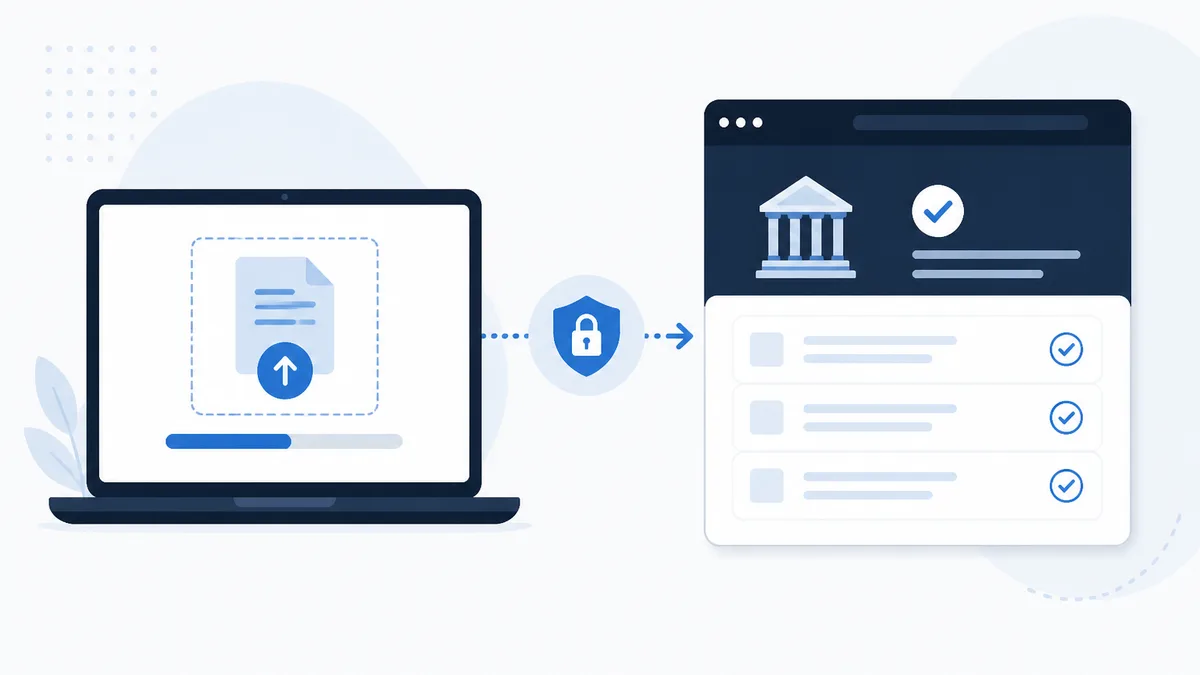
Yes, many taxpayers can respond to IRS notice online for certain letter types, especially when the notice invites document submission or when your IRS online account offers Secure Messaging or the Document Upload Tool. Online tools can save time and create a digital trail. They do not replace every mail-in reply. Read your notice first, match the code in notice lookup, then choose the channel the letter actually allows.
Start with what your notice says
Before you open any website, read the response section on the letter itself. IRS notices are not uniform. One page may list a fax number, another may point to an online upload path, and a third may require a signed form returned by mail.
Write down:
- The notice code in the top right area
- The tax year
- The respond-by or payment date
- Every address, fax, or web link printed for replies
If the letter names a specific form or response voucher, that form is part of the answer even when you also upload PDFs online. Skipping required signatures is a common reason replies sit idle for weeks.
Use the notices library to understand the ordinary purpose of your code. A balance bill and a proposed income change both deserve a reply, but they do not always use the same online tools.
Online tools that may apply
IRS online account
After you create a secure account on IRS.gov and complete identity proofing, you may be able to:
- View some notice copies and account balances
- Make or schedule payments when you agree you owe
- Open Secure Messaging for selected account issues when the system offers it
- Access the Document Upload Tool when your notice or account path supports it
The account is strongest when you already know what the letter asks for and you have scans ready. It is weaker when you need to dispute complex facts and the notice requires a structured paper form.
Document Upload Tool
The Document Upload Tool lets eligible taxpayers send PDFs or images through IRS.gov when the notice or account workflow directs you there. Typical uploads include wage statements, corrected 1099s, bank records, or a short cover letter explaining your position.
Good upload habits:
- Use clear file names that include your name and tax year
- Keep each PDF readable at normal zoom
- Include a one-page cover note stating agree, partial agree, or disagree
- Upload before the respond-by date, not on the last hour of the deadline day
The tool creates a reference number when it works correctly. Save that number with the date and time. It is your proof you tried to respond to IRS notice online on time.
Secure Messaging
Secure Messaging inside the online account allows written back-and-forth on some account topics. It is not open for every notice type. When available, it can help with short clarifications or follow-up after an upload.
Treat messages like formal mail. Stay factual, avoid insults, and attach the same documents you would put in an envelope. Do not paste Social Security numbers into the subject line.
Who qualifies for online responses
Online paths generally work best when:
- You are an individual taxpayer with a personal notice
- The letter or IRS.gov instructions list an upload or messaging option
- You completed IRS identity proofing successfully
- Your issue is document-driven, such as proving income or explaining a mismatch
- You agree to pay and only need payment tools
Online paths are harder or unavailable when:
- The notice requires a signed statutory form mailed to a specific campus
- You are responding to a Notice of Deficiency with Tax Court language
- Business employment tax notices need business-specific channels
- You are an authorized representative acting under a power of attorney through professional systems instead of the taxpayer upload path
- The letter lists only mail or fax with no digital option
Joint filers can often use online tools, but both spouses should agree on the position before one spouse uploads alone. Mixed messages slow cases.
Step-by-step when online reply fits
- Identify the notice code and deadline using notice lookup
- Gather PDFs of supporting documents and a one-page cover letter
- Log in through IRS.gov, not through a link from an unexpected text
- Use the Document Upload Tool or Secure Messaging path your notice describes
- Save confirmation numbers and screenshot successful submission screens
- Follow up if no acknowledgment arrives within a reasonable time
If you also owe and agree, schedule payment in the same session when possible so the balance does not keep accruing penalties while documents are in review.
When mail or professional help is smarter
Some disputes need certified mail, return receipt, or a formal petition language path that online upload cannot satisfy. Collection letters with strict statutory windows also deserve careful reading before you assume a portal replaces paper.
If your facts span multiple years, involve a closed business, or include trust fund employment tax, an enrolled agent, CPA, or tax attorney can file through authorized practitioner channels and keep a formal record. That is different from a taxpayer upload, yet it is still a structured response rather than silence.
Never respond to IRS notice online through a link in a random email or text. Scammers build fake upload pages. Start from IRS.gov after you bookmark the official site. If a caller pressures you to pay by gift card or crypto while claiming to help you upload, hang up and use the instructions on your paper letter instead.
Common mistakes to avoid
- Uploading only a bank screenshot with no cover letter stating your position
- Sending documents after the respond-by date because the website was slow
- Disagreeing in a message but agreeing on a payment plan in the same week
- Using a spouse’s login to upload without confirming both agree on facts
- Assuming online payment alone settles a proposed change that required a written dispute
Each mistake is fixable, but fixes take time. A clean first package is cheaper than three partial uploads.
After you submit online
Watch your mail and account for the next notice in the series. The IRS may accept your documents, ask for more, or send a follow-up with a new date. If you disagree with a later proposed assessment, read whether a fresh reply window opened.
Keep copies of everything you uploaded plus the confirmation number. If the case drags, those records help a professional pick up the thread without rebuilding from memory.
Payments online vs disputes online
Paying online when you agree you owe is straightforward for many balance notices. Disputing online still requires evidence. A payment does not always mean you agree with every line on a CP2000-style proposal. State clearly whether you are paying to stop interest while you continue a document review or paying because you accept the change.
If you cannot pay in full, explore installment options through official IRS payment tools or the phone number on your notice. Payment plan requests are a response, not a substitute for sending dispute papers when the letter asks for both.
Tying it together
Can you respond to IRS notice online? Often yes for document-heavy replies when IRS.gov tools and your letter align. The safe sequence is notice code first, deadline second, channel third. Use notice lookup and the notices guides to understand the letter, then upload or message through official paths before the respond-by date. When the letter forbids online reply or the stakes are high, mail or licensed representation may be the better fit. Acting through the correct channel beats acting fast through the wrong one.
Quick follow-ups
Can every IRS notice be answered online?
No. Some notices require mail, fax, or a reply form included in the letter. Always follow the response instructions printed on your specific notice.
Does uploading online extend my deadline?
No. The respond-by date on the notice still controls. Submit before that date using the channel the letter allows.
Do I need an IRS online account to upload documents?
Many upload paths require a secure IRS.gov account and identity proofing. If enrollment fails, use the mail or fax option on the notice.
Upload a photo for a free plain-English explanation of your amounts, deadline, and options.

Founder of ClearNotice · Updated August 2026 · About